


Do you want your business to perform online at its maximum potential? If you want to know anything about the visitors to your website, you wouldn’t be able to do that without the help of Google Analytics. Whether you’re a business owner looking to up your conversions or an affiliate marketer optimizing a campaign, great success can be had through becoming competent in Google Analytics.
What Is Google Analytics?

Google Analytics is a free web analytics service offered by Google that tracks and reports website traffic. It assists experts in assessing their web performance through analysis, which includes who is browsing their website, the content visitors are engaging with, where their traffic is coming from, as well as the demographics of their visitors.
The interface is daunting at first glance, but the data it provides is so useful that once you start using it, you’ll never look back at the old way of doing things. Whether you want to see how many clicks you’re getting to affiliate links or figure out where users drop off in the purchase process, Google Analytics is the answer to your prayers.
Why Data Analysis Matters
Data analysis is no longer optional in today’s competitive online landscape. Here are some core reasons why you need to use tools like Google Analytics:
- Higher ROI on Marketing Efforts: By tracking what works, you can channel resources into strategies that provide the most return on investment.
- Audience Insights: The more you learn about your visitors’ preferences and habits, the better you can tailor your messaging.
- Conversion Optimization: By identifying bottlenecks or gaps in your funnel, you can make informed adjustments to maximize results.
With a clear grasp of why data analysis is essential, let’s jump into how to use Google Analytics effectively.
Understanding GA4 and the Future of Analytics
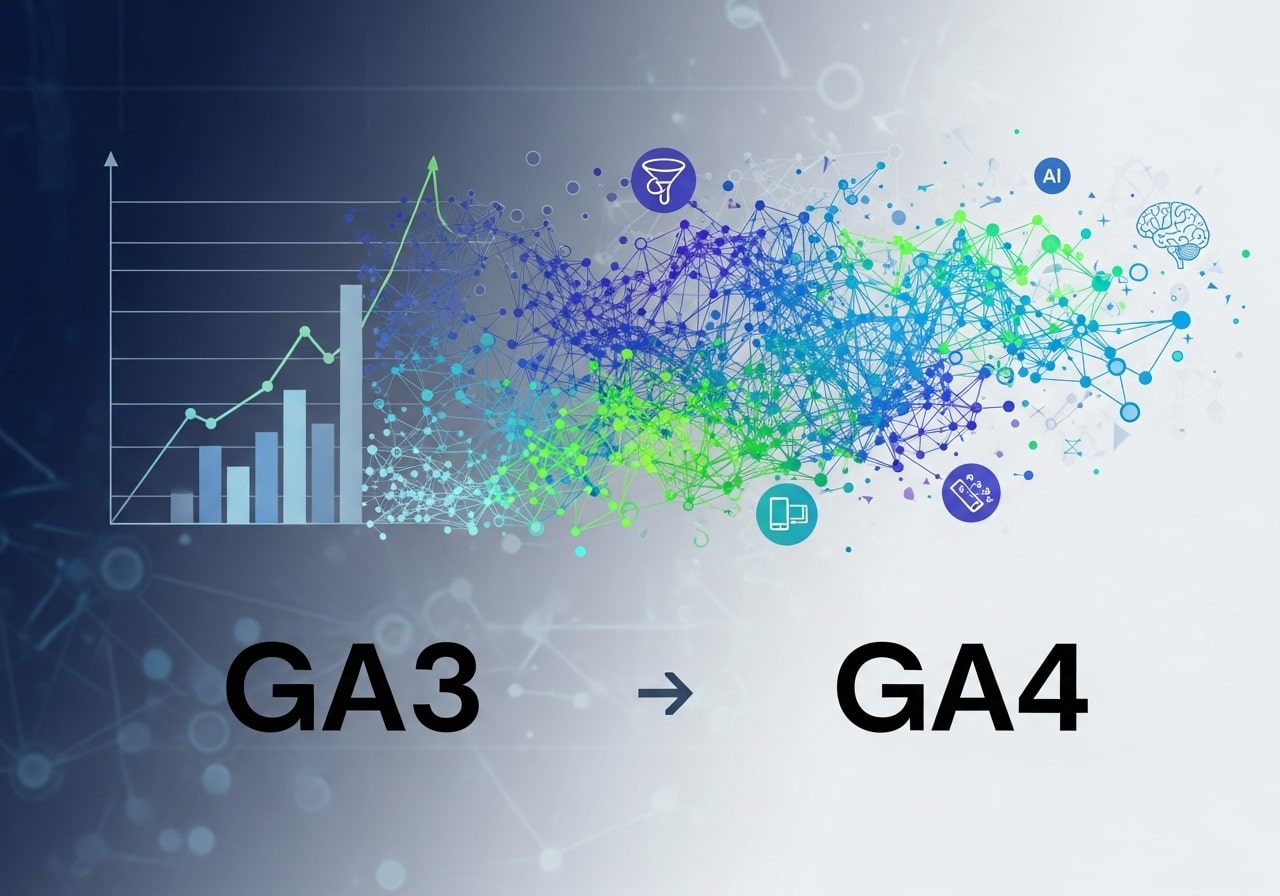
Google Analytics 4 (GA4) represents a major shift from traditional session-based tracking to event-driven data collection. This change allows marketers to better understand user behavior across devices and platforms. GA4 focuses on the customer journey rather than isolated page views, making it easier to track interactions like scrolls, clicks, and video engagement. With enhanced privacy controls and predictive insights powered by machine learning, GA4 prepares businesses for a cookieless future. Understanding GA4 is essential for anyone who wants to future-proof their data strategy and make smarter, privacy-compliant marketing decisions.
How Google Analytics Supports Data-Driven Decision Making

Google Analytics transforms raw data into actionable insights that guide smarter decisions. Instead of relying on assumptions, businesses can validate ideas using real user behavior. Analytics data helps identify which content performs best, which traffic sources generate quality leads, and where users lose interest. These insights enable teams to prioritize high-impact improvements and reduce wasted effort. Over time, data-driven decision-making leads to better customer experiences, higher conversion rates, and stronger ROI. Organizations that consistently use analytics gain a competitive edge by responding quickly to trends and user behavior changes.
Event Tracking and User Interaction Analysis
Event tracking allows you to measure specific user interactions beyond page views. This includes button clicks, form submissions, video plays, downloads, and affiliate link clicks. By analyzing these micro-interactions, you gain deeper insight into how users engage with your site. Event tracking helps uncover friction points and opportunities to improve usability. For affiliate marketers and e-commerce businesses, it provides clarity on which actions lead to conversions. Implementing event tracking ensures no valuable user behavior goes unnoticed and supports more precise optimization strategies.
Using Funnels to Identify Conversion Drop-Offs
Funnels in Google Analytics visualize the step-by-step journey users take toward a conversion. By mapping pages or events in sequence, you can clearly see where users drop off. This insight is invaluable for improving sign-up flows, checkout processes, and lead forms. Identifying high-exit steps allows you to test design changes, messaging improvements, or technical fixes. Funnel analysis turns guesswork into evidence-based optimization, helping you remove obstacles and guide users smoothly toward desired actions.
Segmentation for Deeper Audience Insights
Audience segmentation allows you to break down data into meaningful groups such as new vs. returning users, mobile vs. desktop visitors, or traffic from specific campaigns. Segmentation reveals hidden patterns that broad reports often miss. For example, one segment may convert well while another struggles. By analyzing segments individually, you can tailor content, design, and marketing strategies to different user types. Segmentation helps deliver more personalized experiences and improves overall marketing effectiveness.
Integrating Google Analytics With Other Tools
Google Analytics becomes even more powerful when integrated with other platforms like Google Ads, Search Console, CRM systems, and email marketing tools. These integrations create a unified view of the customer journey from acquisition to conversion. For example, linking Google Ads reveals which keywords drive profitable conversions, while Search Console shows how organic queries perform. Tool integration eliminates data silos and enables more accurate attribution, helping businesses optimize their entire marketing ecosystem.
Data Privacy, Consent, and Compliance in Analytics
With increasing data privacy regulations, responsible data collection is more important than ever. Google Analytics offers features to support compliance with GDPR, CCPA, and other privacy laws. This includes IP anonymization, consent mode, and data retention controls. Businesses must be transparent about data usage and respect user preferences. Implementing privacy-conscious analytics builds trust with visitors and protects your brand from legal risks. Ethical data practices are now a core part of sustainable digital marketing.
Building a Continuous Optimization Process With Analytics
Google Analytics is not a one-time setup but a continuous improvement tool. Regularly reviewing reports, testing changes, and measuring results creates a feedback loop for optimization. This process helps businesses adapt to evolving user behavior and market conditions. Continuous optimization ensures your website, campaigns, and content remain effective over time. By treating analytics as an ongoing strategy rather than a static report, you unlock long-term growth and measurable performance improvements.
Using Real-Time Reports to Monitor Live User Activity
Real-time reports in Google Analytics allow you to see what is happening on your website at any given moment. You can track active users, pages they are viewing, traffic sources, locations, and live events such as clicks or conversions. This feature is especially useful during product launches, marketing campaigns, or promotional events. Real-time data helps you quickly identify issues like broken pages, traffic spikes, or campaign performance drops. By monitoring live activity, businesses can respond immediately, optimize ongoing campaigns, and ensure smooth user experiences without waiting for delayed reports.
Creating Custom Reports for Business-Specific Goals
Every business has unique objectives, and standard Google Analytics reports may not always show the most relevant data. Custom reports allow you to tailor analytics dashboards to focus on specific metrics, dimensions, and segments that matter most to your goals. Whether you want to track affiliate performance, lead quality, or content engagement, custom reports provide clarity without unnecessary noise. They save time, improve decision-making, and help teams stay aligned with performance benchmarks. Custom reporting turns Google Analytics into a personalized performance tool rather than a generic data platform.
Setting Up Google Analytics
To leverage the power of Google Analytics, you must first set it up correctly. Follow these simple steps:
- Create an Account: Visit Google Analytics to sign up or log in.
- Add Your Website Property: Link your website or app to begin tracking data.
- Define Goals: Identify success metrics for your site, such as form submissions or product purchases.
- Integrate Google Ads: If you run paid campaigns, connect Google Ads for detailed insights.
Once set up, you’re ready to start monitoring data!
Navigating the Google Analytics Dashboard
Google Analytics includes multiple reporting sections that allow you to evaluate different aspects of website performance. Here’s a breakdown:
Audience
Understand who is visiting your site:
- Demographics (age, gender)
- Location
- Device (mobile, desktop, tablet)
Acquisition
Discover how users are finding your site:
- Organic search (SEO)
- Social media referrals
- Paid search campaigns
Behavior
Analyze what visitors do on your site:
- Most/least visited pages
- Average time on page
- Bounce rate
Conversions
Understand the actions users are taking:
- Product purchases
- Form submissions
- Affiliate link clicks
Focus on one area at a time based on your immediate goals to avoid feeling overwhelmed.
Key Metrics to Examine
When analyzing data, some metrics deserve extra attention:
- Sessions: Measures total visits to your site. Gain insight into your overall traffic trends.
- Bounce Rate: Percentage of visitors leaving without interaction. High rates signal areas needing optimization.
- Conversion Rate: Tracks the percentage of users converting (e.g., making a purchase).
- Traffic Sources: Determine whether visitors arrive through organic search, direct links, social media, or paid ads.
These indicators provide a foundation for evaluating your website’s effectiveness.
Tips for Effective Data Analysis
A. Analyze Traffic Patterns
Identify the channels driving the most valuable traffic. For example, if Instagram is generating high traffic but low engagement, consider revising your social strategy.
B. Leverage Popular Pages
Maximize the impact of pages where users spend the most time. Add clear call-to-actions (CTAs) to encourage further interaction.
C. Address Weak Points
Pinpoint where users abandon your site, such as during checkout. Refine these areas to reduce drop-offs and increase conversions.
By focusing on these actionable metrics, you’ll consistently improve website performance.
Advanced Tips for Affiliate Marketers
Affiliate marketers can use Google Analytics to refine their strategies further. Here are three advanced tactics:
- Track Affiliate Links
Set up event tracking for clicks on affiliate links using the Google Tag Manager. This ensures transparency in which links generate the most revenue.
- Use Custom Dashboards
Create dashboards tailored to affiliate metrics like click-through rates and referral traffic for streamlined insights.
- Implement UTM Parameters
Add UTM tags to your URLs to understand precisely which campaigns drive results.
Turning Insights Into Action
Understanding your data is only half the battle. The true power of analysis lies in what you do with it. Here are a few examples:
- Mobile Optimization
If mobile traffic remains high but conversions are low, prioritize making your site mobile-friendly.
- SEO Enhancements
Minimal organic search traffic? Create optimized blog posts targeting high-volume keywords.
Additionally, Google Analytics allows you to set up alerts for irregularities, ensuring you can address changes before they escalate.
The Path Forward With Google Analytics

By now, you should have a foundational understanding of how to use Google Analytics for data analysis. Whether you’re an affiliate marketer optimizing links or a business professional improving customer experience, actionable insights are just a dashboard away.
Want to elevate your data analysis? Professional services can simplify advanced techniques and help scale your efforts. Explore your options, start experimenting, and watch your progress unfold.
Frequently Asked Questions (FAQ)
1. What is Google Analytics used for?
Google Analytics is used to track and analyze website traffic. It helps you understand who visits your site, how they find it, what actions they take, and where improvements are needed to increase engagement and conversions.
2. Is Google Analytics free to use?
Yes, Google Analytics is completely free and offers powerful features suitable for most businesses, bloggers, and affiliate marketers. There is also a paid version (GA 360) for large enterprises with advanced needs.
3. Do I need technical skills to use Google Analytics?
Basic use does not require advanced technical skills. While setup may involve adding a tracking code, most reports and insights are accessible through a user-friendly dashboard.
4. How long does it take for Google Analytics to show data?
After proper setup, Google Analytics usually starts showing data within a few hours, though some reports may take up to 24 hours to fully populate.
5. What is the most important metric to track in Google Analytics?
There is no single most important metric. Commonly tracked metrics include sessions, bounce rate, conversion rate, and traffic sources, depending on your website goals.
6. Can Google Analytics track affiliate link clicks?
Yes, affiliate link clicks can be tracked using event tracking or Google Tag Manager, allowing you to see which links and pages generate the most engagement.
7. How does Google Analytics help improve conversions?
By identifying user behavior, drop-off points, and high-performing pages, Google Analytics helps you optimize funnels, improve user experience, and increase conversion rates.
8. What are UTM parameters, and why are they important?
UTM parameters are tracking tags added to URLs to measure campaign performance. They help identify which traffic sources, ads, or emails drive the best results.
9. Is Google Analytics useful for small businesses?
Absolutely. Small businesses can use Google Analytics to understand customer behavior, improve marketing efficiency, and make data-driven decisions without additional costs.
10. What is the difference between Google Analytics and Google Search Console?
Google Analytics focuses on user behavior and traffic after visitors arrive on your site, while Google Search Console provides insights into how your site performs in Google search results.


