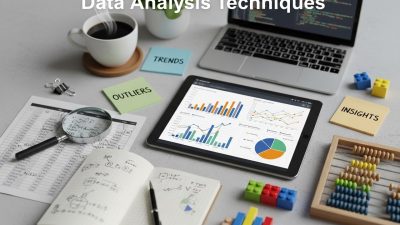
Qualitative research explores human behaviors, experiences, and motivations through non-numerical data such as text, audio, video, and images. Managing this data manually can be overwhelming, so specialized software—QDAS—helps researchers organize, code, analyze, and visualize information efficiently.
Qualitative research generates rich, complex data that tells the story behind human behaviors, experiences, and motivations. Unlike quantitative research that deals with numbers and statistics, qualitative data analysis involves examining text, audio, video, and other non-numerical information to identify patterns, themes, and insights.
Managing this type of data analysis manually can be overwhelming, especially when dealing with large datasets from interviews, focus groups, surveys, or observational studies. Computer programs designed specifically for qualitative data analysis have revolutionized how researchers approach their work, offering powerful tools to organize, code, analyze, and visualize qualitative data more efficiently than ever before.
This guide explores the leading software options available to researchers, their key features, and how to choose the right program for your specific needs. Whether you’re a graduate student working on your first thesis or an experienced researcher managing complex multi-site studies, understanding these digital tools will enhance your analytical capabilities and help you uncover deeper insights from your data.
What Is Qualitative Data Analysis Software?
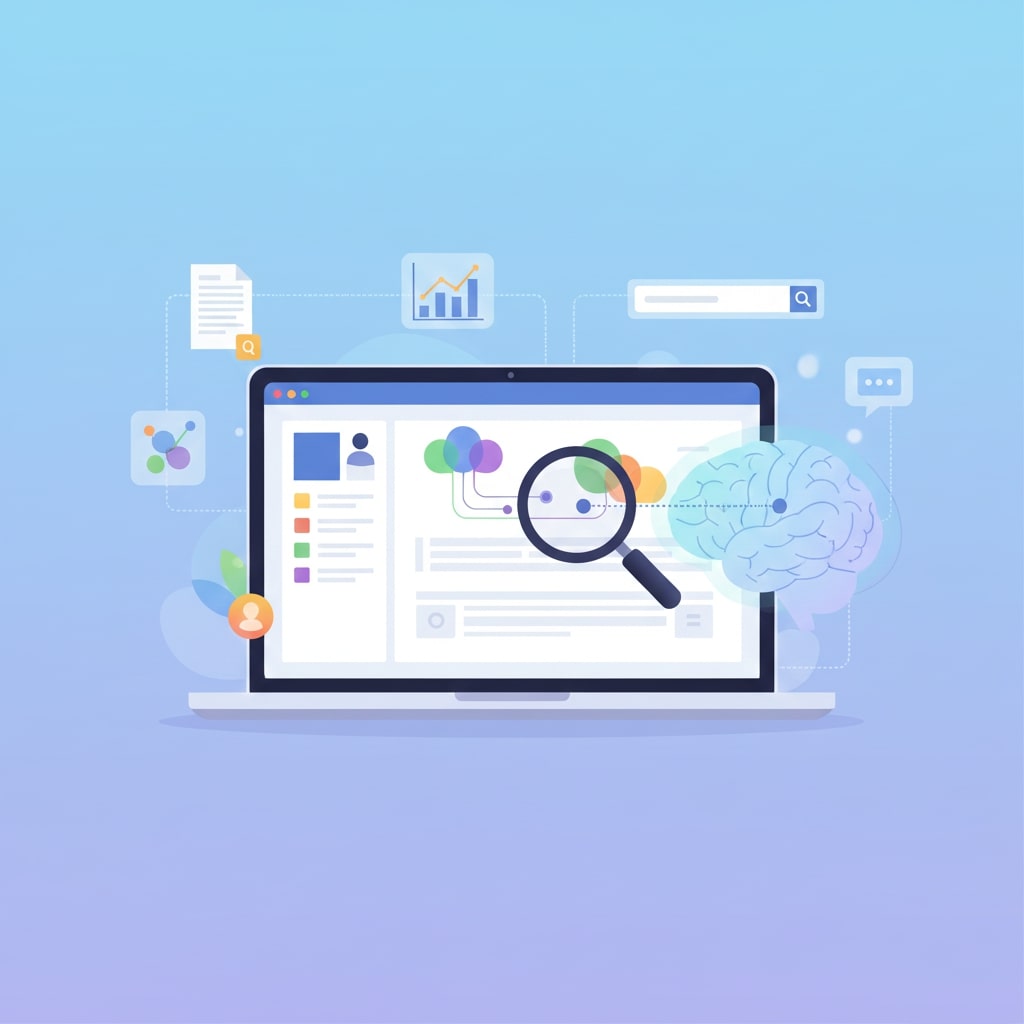
Qualitative data analysis software, often abbreviated as QDAS or CAQDAS (Computer Assisted Qualitative Data Analysis Software), refers to specialized programs designed to help researchers systematically analyze non-numeric data. These tools don’t perform the analysis for you—the critical thinking and interpretation remain fundamentally human tasks—but they provide a digital workspace to organize, code, search, and visualize your data more effectively.
Modern qualitative analysis programs can handle various data types, including interview transcripts, field notes, documents, images, audio files, and video recordings. They offer features like automated transcription, collaborative coding capabilities, and sophisticated search functions that would be impossible to achieve with traditional paper-based methods.
The primary advantage of using specialized software lies in its ability to maintain connections between your raw data, codes, memos, and analytical insights throughout the research process. This creates an audit trail that enhances the credibility and transparency of your findings.
Top Computer Programs for Qualitative Data Analysis
NVivo
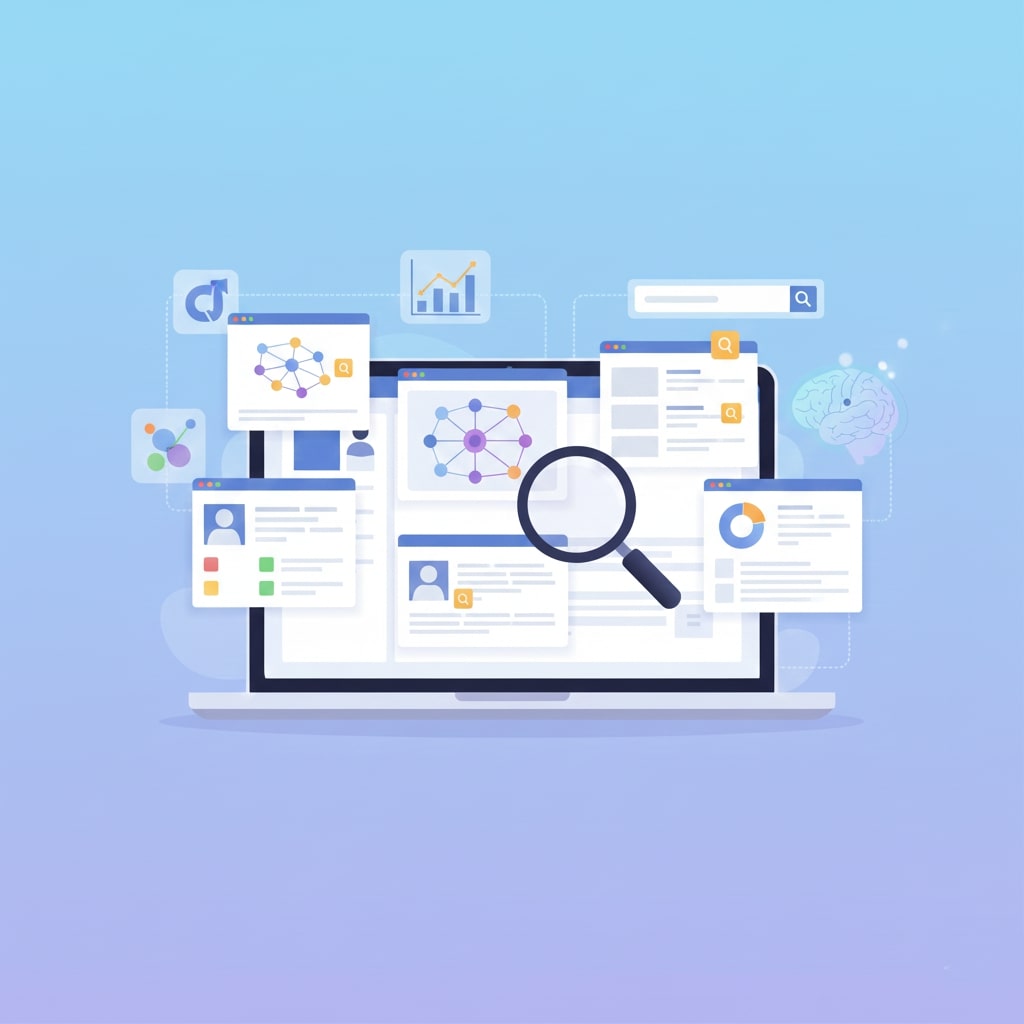
NVivo stands as one of the most comprehensive qualitative data analysis platforms available. Developed by QSR International, it excels at handling diverse data types and offers robust features for team-based research projects.
Key strengths include advanced coding capabilities that allow researchers to create hierarchical code structures, relationship mapping tools that visualize connections between themes, and powerful query functions for exploring data patterns. NVivo also provides excellent support for mixed-methods research, enabling integration of qualitative and quantitative data within the same project.
The software offers automated transcription services, sentiment analysis tools, and social media data import capabilities. Its collaboration features make it particularly valuable for research teams, allowing multiple users to work on the same project simultaneously while maintaining version control.
NVivo operates on a subscription model with different tiers based on features and user needs. While it has a steep learning curve, the investment in mastering NVivo often pays dividends for researchers who regularly conduct complex qualitative studies.
ATLAS.ti
ATLAS.ti has earned recognition for its intuitive interface and powerful analytical capabilities. The software emphasizes visual analysis and relationship mapping, making it particularly appealing to researchers who think spatially about their data.
One of ATLAS.TI’s standout features are its network view functionality, which creates visual maps showing relationships between codes, quotations, and memos. This visual approach helps researchers identify patterns and connections that might be missed in text-based analysis alone.
The program supports collaborative research through cloud-based sharing and offers mobile apps that allow data collection and analysis on tablets and smartphones. ATLAS.ti also provides strong multimedia support, making it suitable for researchers working with video ethnography or visual data analysis.
Recent updates have enhanced ATLAS.ti’s artificial intelligence capabilities, including automated coding suggestions and sentiment analysis tools. The software offers both subscription and perpetual licensing options.
MAXQDA
MAXQDA distinguishes itself through its user-friendly design and comprehensive feature set that appeals to both novice and experienced researchers. The software provides excellent support for mixed-methods research and offers unique visualization tools.
Notable features include MAXMaps for creating concept maps and model building, integrated survey functionality, and advanced statistical tools for qualitative data. MAXQDA’s Smart Coding tool uses AI to suggest relevant codes based on previously coded segments, speeding up the analysis process.
The software excels in its handling of multilingual projects and provides strong support for literature reviews through its integrated reference management capabilities. MAXQDA also offers specialized modules for different research approaches, including versions tailored for specific disciplines.
Team collaboration is supported through project merging capabilities and shared coding schemes. The software provides both Windows and Mac compatibility, with subscription and perpetual licensing options available.
Dedoose
Dedoose operates as a web-based platform, making it accessible from any device with internet connectivity. This cloud-based approach eliminates software installation requirements and enables seamless collaboration across different operating systems.
The platform particularly excels in mixed-methods research, providing integrated tools for analyzing both qualitative and quantitative data within the same interface. Its descriptor system allows researchers to attach demographic and categorical information to data sources, enabling sophisticated filtering and comparison analyses.
Dedoose offers real-time collaboration features, allowing team members to work simultaneously on projects while maintaining data security through robust user permission controls. The platform includes automated backup and version control systems.
The subscription-based pricing model makes Dedoose accessible to researchers with limited budgets, while its browser-based interface reduces technical barriers for users who may be intimidated by complex desktop software.
Quirkos
Quirkos takes a distinctive visual approach to qualitative data analysis, representing codes as colorful bubbles that grow and shrink based on the amount of coded content. This innovative interface makes patterns in the data immediately visible.
The software was designed with simplicity in mind, making it particularly suitable for researchers new to qualitative analysis or those who prefer intuitive, visual interfaces over text-heavy traditional approaches. Despite its simplicity, Quirkos includes essential features like hierarchical coding, memo-writing, and basic query functions.
Quirkos supports team collaboration through project sharing capabilities and offers competitive pricing that makes it accessible to individual researchers and small teams. The software provides strong customer support and regular updates based on user feedback.
Key Features to Consider
When selecting qualitative data analysis software, several critical features deserve careful evaluation based on your research needs and working style.
Data import and management capabilities determine how easily you can work with your research materials. Look for software that supports your preferred data formats, whether that’s Word documents, PDF files, audio recordings, or video content. Some programs offer direct integration with transcription services or survey platforms, which can streamline your workflow significantly.
Coding functionality represents the core of most qualitative analysis work. Advanced programs offer features like in-vivo coding, automated coding suggestions, hierarchical code structures, and code co-occurrence analysis. Consider whether you need collaborative coding capabilities if you’re working with a research team.
Search and query tools help you explore relationships within your data. Sophisticated query functions allow you to search for text patterns, examine code relationships, and filter data based on multiple criteria simultaneously. These features become increasingly important as your dataset grows larger.
Visualization and reporting capabilities can enhance both your analytical process and final presentation of findings. Look for software that offers concept mapping, relationship diagrams, code frequency charts, and export options that work well with your preferred presentation formats.
Collaboration features are essential for team-based research projects. Consider whether you need real-time collaboration, project merging capabilities, user permission controls, and communication tools integrated within the software.
Technical requirements, including operating system compatibility, cloud versus desktop installation, internet connectivity needs, and data security features, all impact the practical usability of different programs.
Choosing the Right Software for Your Needs
The selection process should begin with a clear assessment of your research project’s specific requirements. Consider the volume of data you’ll be analyzing, the types of media you’re working with, whether you’re collaborating with others, and your timeline constraints.
Budget considerations extend beyond initial software costs to include training time, technical support needs, and potential subscription fees. While free alternatives exist, they often come with limitations that may impact more complex research projects.
Learning curve varies significantly between different programs. If you’re new to qualitative data analysis software, starting with a more intuitive program like Quirkos might be preferable to jumping directly into comprehensive but complex software like NVivo.
Institutional support can influence your choice significantly. Many universities provide site licenses for specific software packages and offer training resources or technical support. Check what’s available through your institution before making individual purchases.
Most reputable software providers offer free trial periods that allow hands-on evaluation with your actual data. Take advantage of these trials to test workflow compatibility and feature functionality before making final decisions.
Getting Started with Your Analysis

Once you’ve selected appropriate software, successful implementation requires systematic planning and preparation. Begin by organizing your data files with consistent naming conventions and folder structures that will translate well into your chosen software environment.
Develop a preliminary coding scheme based on your research questions and theoretical framework, but remain flexible as themes emerge from the data. Most experienced researchers recommend starting with broad codes and refining them as analysis progresses.
Take advantage of training resources provided by software vendors, including video tutorials, webinars, and user communities. Many programs offer certification courses that can accelerate your learning curve and ensure you’re utilizing advanced features effectively.
Maximizing Your Research Impact

Computer programs for qualitative data analysis represent powerful tools that can significantly enhance your research capabilities when chosen and implemented thoughtfully. The key lies in understanding that software facilitates but doesn’t replace critical analytical thinking and methodological rigor.
Success with qualitative data analysis software comes from matching tool capabilities with research needs, investing time in proper training, and maintaining focus on your analytical goals rather than getting distracted by fancy features. The most sophisticated software won’t improve poor research design, but the right program can help excellent researchers work more efficiently and uncover deeper insights.
Start by clearly defining your research requirements, take advantage of free trials to test different options, and consider both immediate needs and long-term research goals when making your selection. With the right software supporting your analytical work, you’ll be well-positioned to generate compelling, credible findings that advance knowledge in your field.
FAQ: Qualitative Data Analysis Software (QDAS)
1. What is qualitative data analysis software (QDAS)?
Qualitative data analysis software (QDAS) is a specialized digital tool designed to help researchers organize, code, search, and visualize non-numerical data such as interview transcripts, field notes, audio recordings, and videos. While the software assists with data management and analysis, the interpretation and critical thinking still rely on the researcher.
2. Do these programs perform analysis automatically?
No. QDAS facilitates and streamlines the analysis process but does not replace human judgment. Features like automated coding suggestions or sentiment analysis provide support, but the researcher remains responsible for interpreting patterns, themes, and insights.
3. How do I choose the right QDAS for my research?
Consider the volume and type of data you will analyze, your budget, your technical comfort level, whether you will work in a team, and your long-term research needs. Free trials offered by software providers can help you evaluate workflow compatibility before committing to a purchase.
4. Can I collaborate with a research team using QDAS?
Yes. Many programs, including NVivo, ATLAS.ti, MAXQDA, and Dedoose, offer collaboration features such as project merging, real-time teamwork, user permission controls, and cloud-based sharing. These tools make it easier to work on multi-site or team-based projects.
5. What types of data formats can QDAS handle?
Most modern software supports a wide range of data types, including text documents (Word, PDF), spreadsheets, audio files, video recordings, images, survey data, and social media content. Some programs also offer integration with transcription services and survey platforms.
6. How steep is the learning curve for QDAS?
Learning curves vary. Programs like Quirkos are highly intuitive and suitable for beginners, while NVivo and ATLAS.ti offer advanced functionality but require more time and practice to master. Training resources, webinars, and vendor tutorials can significantly reduce the learning curve.
7. Are there options for mixed-methods research?
Yes. Many software packages, including NVivo, MAXQDA, and Dedoose, support mixed-methods research, allowing you to integrate qualitative and quantitative data within the same project for comprehensive analysis.
8. How does QDAS improve research efficiency?
QDAS streamlines the coding, retrieval, and visualization of qualitative data, helps maintain an audit trail of codes and memos, and facilitates team collaboration. This reduces manual effort and improves the organization, transparency, and credibility of findings.
9. Is it necessary to have prior experience with qualitative analysis to use these tools?
No prior experience is strictly necessary, but familiarity with qualitative research concepts helps. Programs like Quirkos and MAXQDA provide beginner-friendly interfaces and tutorials, while advanced users can take full advantage of sophisticated coding and visualization features in NVivo or ATLAS.ti.
10. Can I use QDAS for long-term or large-scale research projects?
Absolutely. Modern qualitative data analysis software is designed to handle large datasets, complex coding schemes, and long-term projects. Features like project versioning, collaborative coding, and cloud storage ensure scalability for extensive research studies.