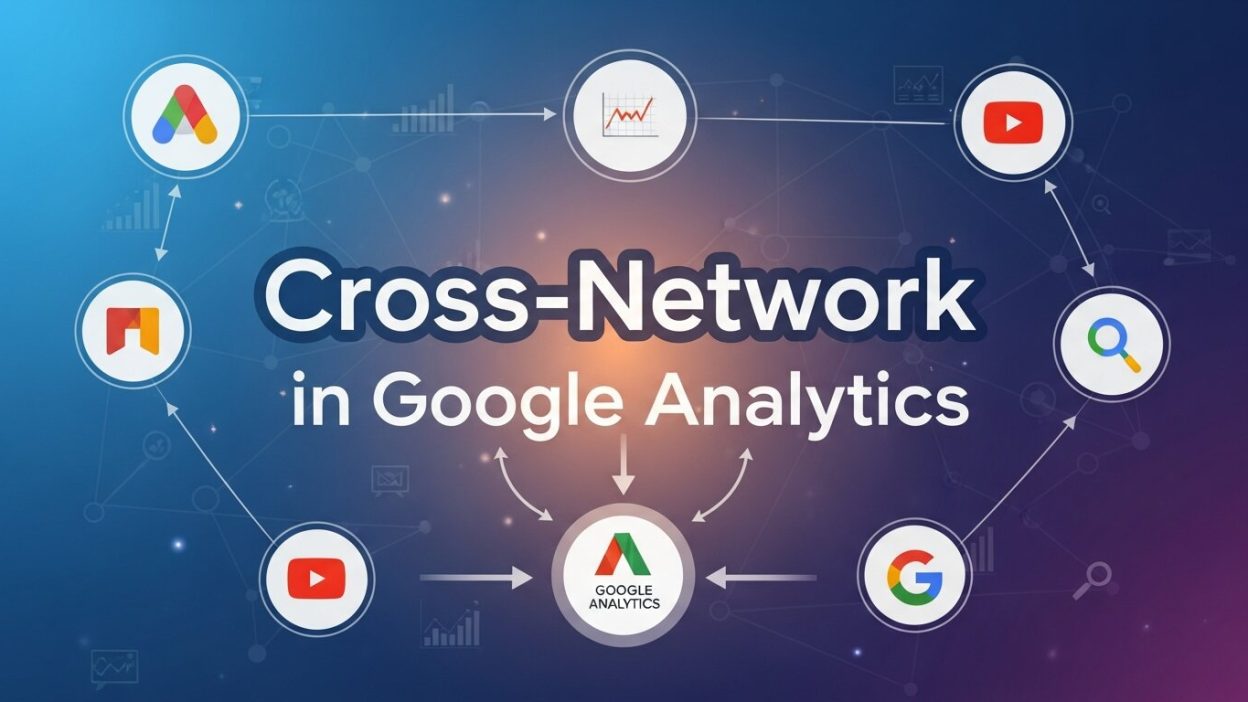
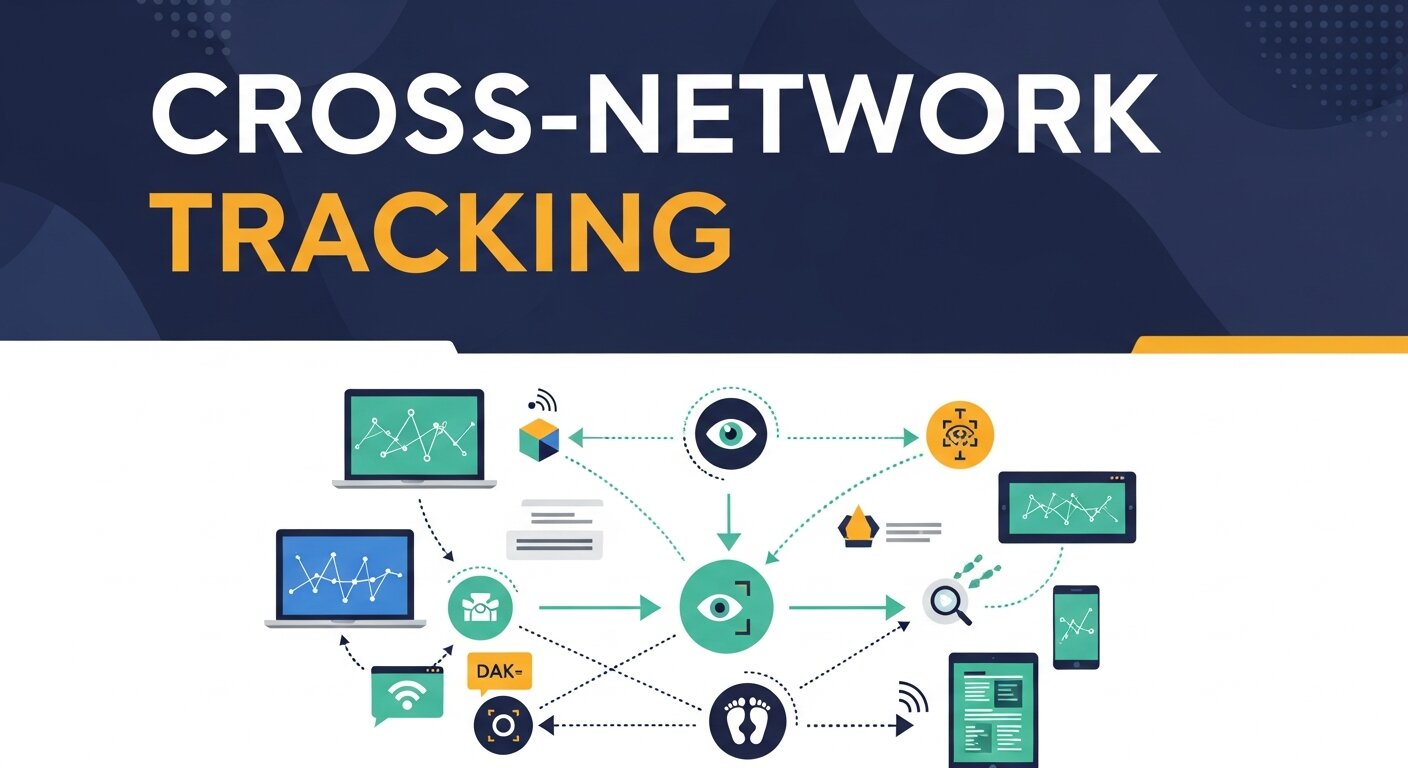
Cross-network capabilities in Google Analytics (GA) are a game-changer for people who manage digital marketing, or own a website, or analyze data. As more and more consumers cross-pollinate in multiple channels and campaigns straddle multiple networks and touchpoints scattered across the digital ecosystem, reflecting on consolidated customer journeys is imperative. That’s where cross-network tracking comes in.
This guide will take you through everything you need to understand about cross-network in Google Analytics – from what it is, why you’d use it, and how to use it and benefit from it. We’ll cover tangible steps you can take, along with advanced tactics, and we’ll touch on some common mistakes to steer clear of.
Introduction to Cross-Network Attribution

While the name sounds somewhat sophisticated, at the core, cross-network tracking in Google Analytics is pretty much all about just one thing: knowing how your users behave across multiple networks (or channels).
Whatever the case, whether it’s a user clicking on your ad on Google, engaging with your brand on Instagram, and finally making a purchase through an email link, cross-network attribution enables you to track that full customer journey.
This viewpoint of the big picture ensures that all marketing initiative receive their due credit, thereby resulting in more intelligent spend allocation and a sounder strategy.
Why is this important?
- Modern customer journeys are multi-touch, spanning several channels and devices.
- Without tracking these interactions across networks, you risk undervaluing key touchpoints in your campaigns.
- Cross-network attribution lets you track and optimize what truly drives conversions, beyond the “last-click” model.
Understanding Google Analytics Default Settings
Before diving into cross-network tracking, it’s essential to understand how Google Analytics handles attribution by default. The platform operates on a last-click attribution model, meaning it gives full credit for a conversion to the last channel a user interacted with before converting.
However, this default model:
- Misses the impact of earlier touchpoints (such as display or organic social).
- Often fails to reflect the true value of upper-funnel channels.
To move beyond these limitations, cross-network attribution leverages tools like Google Analytics 4 (GA4). GA4 emphasizes event-based tracking and offers attribution models such as data-driven attribution to account for multiple touchpoints across campaigns.
Benefits of Implementing Cross-Network Tracking
Cross-network attribution isn’t just an operational improvement; it’s a competitive advantage. Here’s what makes it a must-have for marketers:
1. Improved Decision-Making
By identifying contributions from all touchpoints, you gain actionable insights into what works across networks. With this data, you can reallocate budgets to maximize ROI.
2. Accurate ROI Measurement
Evaluate how various channels contribute to the larger picture rather than focusing narrowly on direct conversions. For example, display ads might not drive immediate purchases but could assist conversions down the line.
3. Enhanced Customer Journeys
Understand how your audience engages across networks. From discovery on social media to purchasing via email campaigns, cross-network tracking ensures you cater to these touchpoints, improving user experience.
4. Optimized Ad Spend
Say goodbye to guesswork when managing ad budgets. With reliable attribution, you can focus on paying for channels and networks that bring tangible results.
Step-by-Step Guide to Setting Up Cross-Network Tracking
Step 1: Enable Google Analytics 4
If you’re still using Universal Analytics, now is the time to upgrade to GA4. GA4’s event-based tracking model is designed for cross-network tracking and offers actionable insights from touchpoint data.
Step 2: Leverage UTM Parameters
Add UTM parameters to your campaign URLs to identify traffic sources. Include tags like:
- Source (e.g., Instagram or Google)
- Medium (e.g., Paid Ads or Organic)
- Campaign Name (e.g., Holiday_Sale)
Tip: Use Google’s Campaign URL Builder for consistency.
Step 3: Integrate Advertising Platforms
Integrate Google Ads, Facebook Ads, and other ad platforms with your Google Analytics account. By combining ad data with site analytics, you’ll achieve powerful cross-channel insights about user interactions.
Step 4: Use Events and Conversion Tracking
Customize event tracking to log user interactions, such as:
- Downloads
- Form submissions
- Product views or purchases
Assign relevant events as conversion goals for better attribution tracking.
Step 5: Choose an Attribution Model
Switch from GA’s default last-click attribution to data-driven attribution in GA4. This lets the model automatically assign credit to touchpoints, based on how they influence conversion journeys.
Step 6: Monitor Reports
Access the Attribution tab in Google Analytics to monitor campaign performance across networks. Evaluate metrics such as assisted conversions, paths to conversion, and interaction impacts.
Advanced Strategies and Best Practices
For those ready to take cross-network tracking to the next level, follow these tips:
1. Experiment with Attribution Models
Beyond data-driven models, try first-click or time-decay attribution, depending on your business goals. For example, B2B enterprises might prioritize upper-funnel attribution over last-touch models.
2. A/B Test Channel Strategies
Test campaigns on different platforms to see which networks contribute the most value. Cross-network tracking enables long-term comparisons for better experimentation.
3. Implement Cross-Device Tracking
With modern users often switching between devices, implementing cross-device tracking with Google Signals ensures that all interactions are linked to individual users rather than devices.
4. Use Advanced Tools
Platforms like HubSpot and Triple Whale provide additional attribution insights that complement GA by tying together multiple ad platforms and customer touchpoints.
Common Pitfalls and How to Avoid Them
1. Poorly Tagged Campaigns
Solution: Always use consistent UTM parameters and naming conventions to avoid gaps in data.
2. Ignoring Mobile App and Web Interactions
Solution: Leverage tools like GA4’s Firebase Integration to track engagement within mobile apps seamlessly alongside your website.
3. Overlooking Assisted Conversions
Solution: Avoid relying solely on last-click attribution. Instead, use cross-network tools to highlight the role of assistive channels.
4. Failing to Audit Data Regularly
Solution: Periodically review data inputs to ensure they’re accurately aligned with your marketing goals. This is especially crucial when integrating multiple ad platforms.
Data Collection Strategies
Effectively gathering user information is the foundation of any successful marketing effort. By using tools that capture interactions across multiple touchpoints, you can build a comprehensive picture of customer behavior. Leveraging these insights through customer data platforms enables teams to organize and unify fragmented data from websites, apps, and advertising networks. Additionally, combining data marketing analytics ensures campaigns are informed by trends rather than assumptions. With proper data information analysis, marketers can detect patterns in engagement, identify high-value segments, and understand conversion paths more accurately. A structured approach to data collection lays the groundwork for actionable insights that directly influence strategy and ROI.
Segmentation and Audience Insights

Segmenting your audience allows for highly targeted marketing efforts. By analyzing behavioral data and demographic patterns, you can create specific cohorts that respond differently to campaigns. Using customer data platforms ensures these segments are consistently updated and integrated across all channels. Data marketing analytics helps identify which segments are most likely to convert, while data information analysis provides clarity on how each group interacts with your content. This structured approach allows for precise personalization, reducing wasted spend and improving engagement. Over time, these insights enable marketers to refine messaging, optimize campaigns, and better anticipate the needs of evolving audiences.
Attribution and Performance Tracking
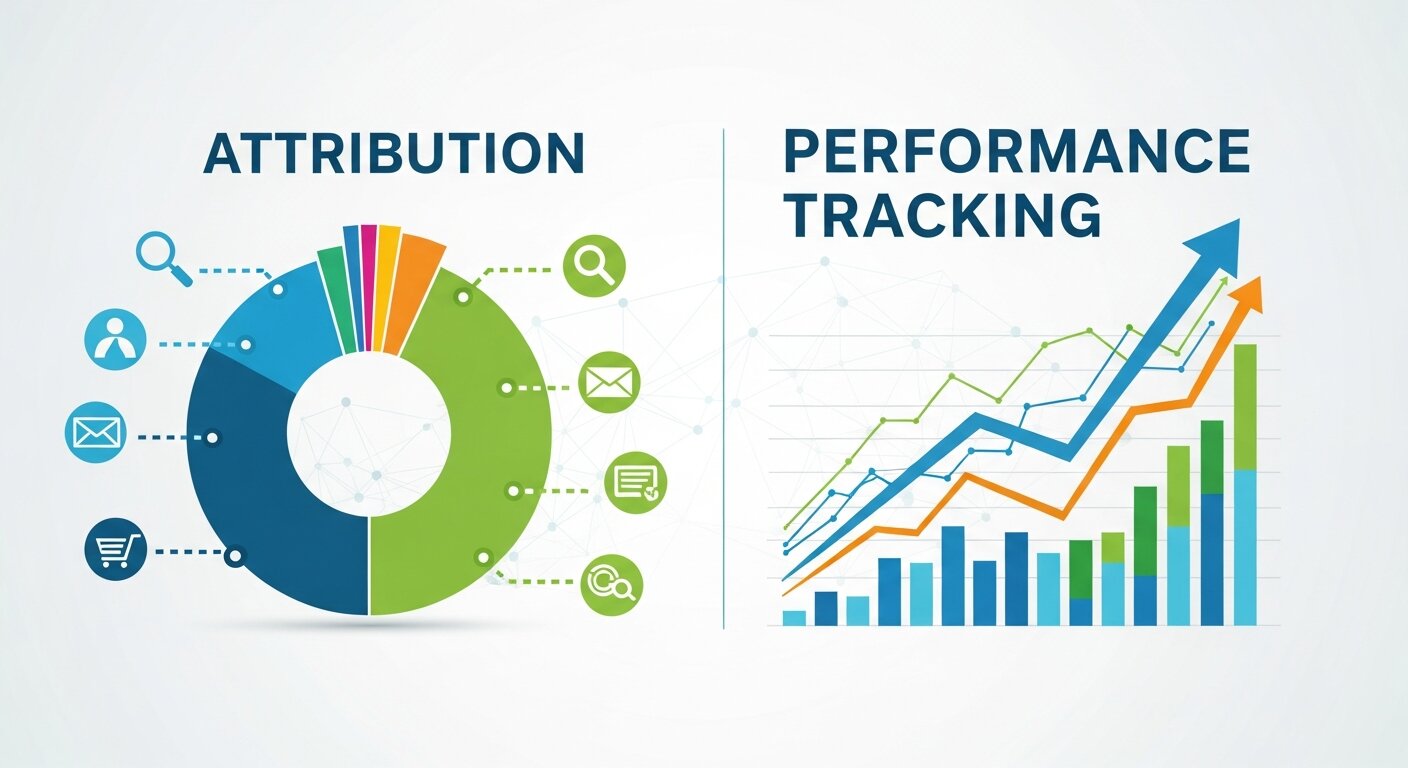
Understanding how different channels contribute to conversions is crucial for optimizing marketing spend. Through data marketing analytics, businesses can evaluate the effectiveness of campaigns across multiple networks and touchpoints. Customer data platforms consolidate interactions from various sources, enabling comprehensive attribution modeling. Data information analysis then highlights which channels drive incremental value and which may be over- or under-invested. By tracking performance at every stage of the funnel, marketers gain confidence in their decisions and can adjust strategy in real time. This approach ensures every marketing dollar is aligned with measurable outcomes, ultimately driving higher ROI and more informed growth planning.
Personalization and Customer Experience
Delivering relevant content and offers requires a deep understanding of user behavior. Customer data platforms allow businesses to unify information from web visits, app activity, and campaign interactions to build a holistic view of each user. Data marketing analytics identifies patterns and preferences, while data information analysis uncovers the best moments and methods to engage customers. By applying these insights, brands can tailor messaging and experiences to individual needs, improving engagement and conversion rates. Personalized interactions also foster loyalty, creating long-term value. Consistently leveraging this combined approach ensures that marketing efforts resonate with audiences and maintain a competitive edge in increasingly fragmented digital ecosystems.
Predictive Analytics for Campaign Planning
Predictive models help marketers anticipate customer behavior and make proactive decisions. By applying data marketing analytics to historical campaign performance, teams can forecast trends and expected outcomes. Customer data platforms provide the structured information needed to feed these models accurately, ensuring predictions reflect real-world interactions. Data information analysis uncovers subtle patterns that might otherwise be missed, such as seasonal shifts or device-specific preferences. These insights allow marketers to plan campaigns with greater confidence, optimize budget allocation, and identify opportunities before competitors do. Predictive analytics transforms reactive marketing into a forward-thinking strategy, ultimately improving efficiency, engagement, and return on investment.
Multi-Channel Optimization
Optimizing campaigns across multiple networks requires both insight and coordination. Data marketing analytics allows you to evaluate which channels deliver the strongest results, while customer data platforms ensure that cross-channel behavior is captured in a unified view. Data information analysis then highlights performance trends, assisting in resource allocation and content strategy adjustments. By understanding interactions across social media, email, search, and display campaigns, marketers can identify bottlenecks and opportunities for synergy. Multi-channel optimization ensures that campaigns are consistent, measurable, and effective, reducing wasted spend and improving overall impact. Continuous monitoring and refinement amplify the benefits of each marketing effort.
Reporting and Decision Support
Accurate reporting underpins data-driven decision-making. By combining insights from customer data platforms with metrics derived through data marketing analytics, teams can generate comprehensive reports that highlight both performance and opportunities. Data information analysis allows for deeper interpretation, revealing the story behind the numbers and guiding actionable strategy adjustments. Transparent, consistent reporting builds confidence across departments, helping executives and marketers understand the ROI of campaigns and initiatives. Additionally, integrating these insights into dashboards supports quicker, more informed decision-making. Leveraging this approach ensures organizations remain agile, make evidence-based choices, and continuously optimize their marketing efforts for maximum impact.
Predicting the Future of Cross-Network Analytics
Looking ahead, cross-network tracking will only become more essential as customer journeys continue to grow more complex. With privacy changes and cookie regulations limiting traditional tracking methods, modern solutions like predictive analytics and AI-powered reporting are stepping up to enhance attribution capabilities.
Adopting these tools today positions your organization ahead of competitors while empowering you to optimize resources and cater better to your audience’s behaviors.
FAQ – Cross-Network Tracking in Google Analytics
1. What is cross-network tracking in Google Analytics?
Cross-network tracking is the process of monitoring user interactions across multiple digital channels (e.g., Google, social media, email) to understand the complete customer journey. It helps you assign proper credit to each touchpoint that contributes to conversions.
2. Why is cross-network attribution important?
Modern customer journeys involve multiple touchpoints and devices. Without cross-network tracking, you risk undervaluing key interactions and misallocating marketing budgets. Proper attribution ensures smarter spend and better campaign performance.
3. How does Google Analytics handle attribution by default?
By default, Google Analytics uses a last-click attribution model, giving full credit to the final channel a user interacted with before converting. This can overlook the influence of earlier touchpoints in the journey.
4. How can GA4 improve cross-network tracking?
Google Analytics 4 (GA4) uses an event-based tracking model and offers multiple attribution options, including data-driven attribution, which evaluates the impact of all touchpoints rather than just the last click.
5. What are the benefits of implementing cross-network tracking?
-
Improved decision-making through insights on all touchpoints
-
Accurate ROI measurement beyond direct conversions
-
Enhanced customer journeys with better-targeted experiences
-
Optimized ad spend by focusing on effective channels
6. What are UTM parameters and why are they important?
UTM parameters are tags added to URLs that track traffic sources, mediums, and campaigns. They help Google Analytics identify the origin of traffic and measure the performance of each marketing initiative.
7. Which platforms can be integrated for cross-network insights?
You can integrate platforms like Google Ads, Facebook Ads, and other digital advertising networks with GA4 to unify user interaction data across channels.
8. What attribution models should I consider?
-
Last-click – default, credits final touchpoint
-
First-click – credits the initial interaction
-
Time-decay – gives more weight to recent interactions
-
Data-driven – GA4 model using machine learning to assign credit based on actual influence on conversions
9. How do I track cross-device interactions?
Enable Google Signals in GA4 to link user interactions across multiple devices, ensuring more accurate attribution.
10. What are common mistakes in cross-network tracking?
-
Inconsistent or missing UTM tagging
-
Ignoring mobile app interactions
-
Relying solely on last-click attribution
-
Failing to audit and verify data regularly