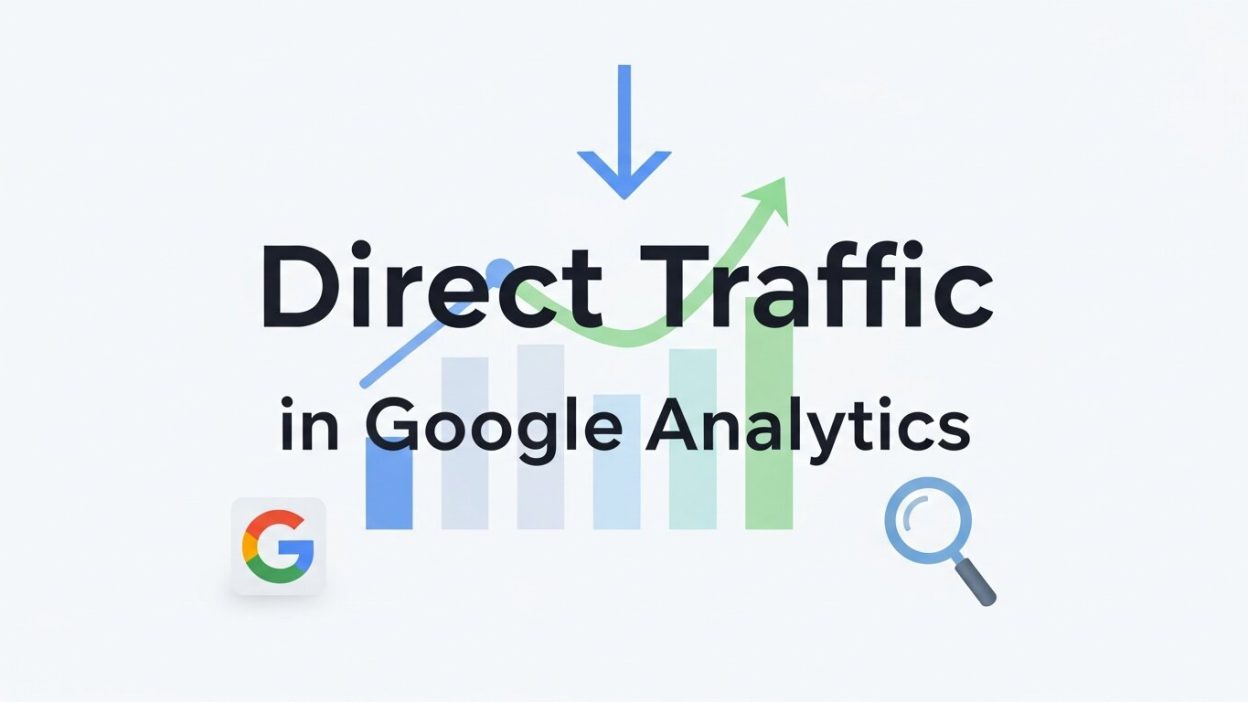
One of the most misinterpreted metrics in Google Analytics is direct traffic, and it can also be one of your most damaging metrics. If you’ve ever sifted through an analytics report, you’ve probably seen the term “direct traffic.” But what does it really mean? And why is it so important for marketers and website owners?
This blog post will strip out the mystery of direct traffic, examine what it encompasses, and guide you in analyzing and eliminating inaccuracies that could potentially distort the performance of your data. By the time you’re finished, you’ll be more informed about how direct traffic can help you get better results from your marketing.
What Is Direct Traffic in Google Analytics?
According to Google Analytics, direct traffic is the number of visitors to your site who return to visit your website by typing the URL in their browser, as the source of traffic cannot be determined.
In plain words, it refers to traffic coming from users accessing your site by typing the URL of your website into the address bar of their browser, or clicking on bookmarks, or clicking on links from untraceable sources, and so on.
Here’s the stuff, though: on the surface, “direct traffic” might seem like a no-brainer, but in reality, it ends up encompassing any visit where the source is not known (and, these days, when the source is not known, it’s often because the source is ambiguous).
This also implies that not all direct traffic is purposeful visits. Misclassification can rear its head, so it is important for you to understand and analyze your data.
Why Does Direct Traffic Matter?
Understanding direct traffic is vital because it can reveal how users are connecting to your brand independently of campaigns or referral channels. For example:
- It might indicate strong brand awareness if users are typing in your URL.
- High direct traffic could be a sign of customer loyalty from repeat visitors.
- Alternatively, it may point to bottlenecks in your tracking setup, where traffic is being miscategorized.
Regardless of the specifics, direct traffic is a key piece of your data puzzle and deserves attention in your analytics strategy.
Key Causes of Direct Traffic
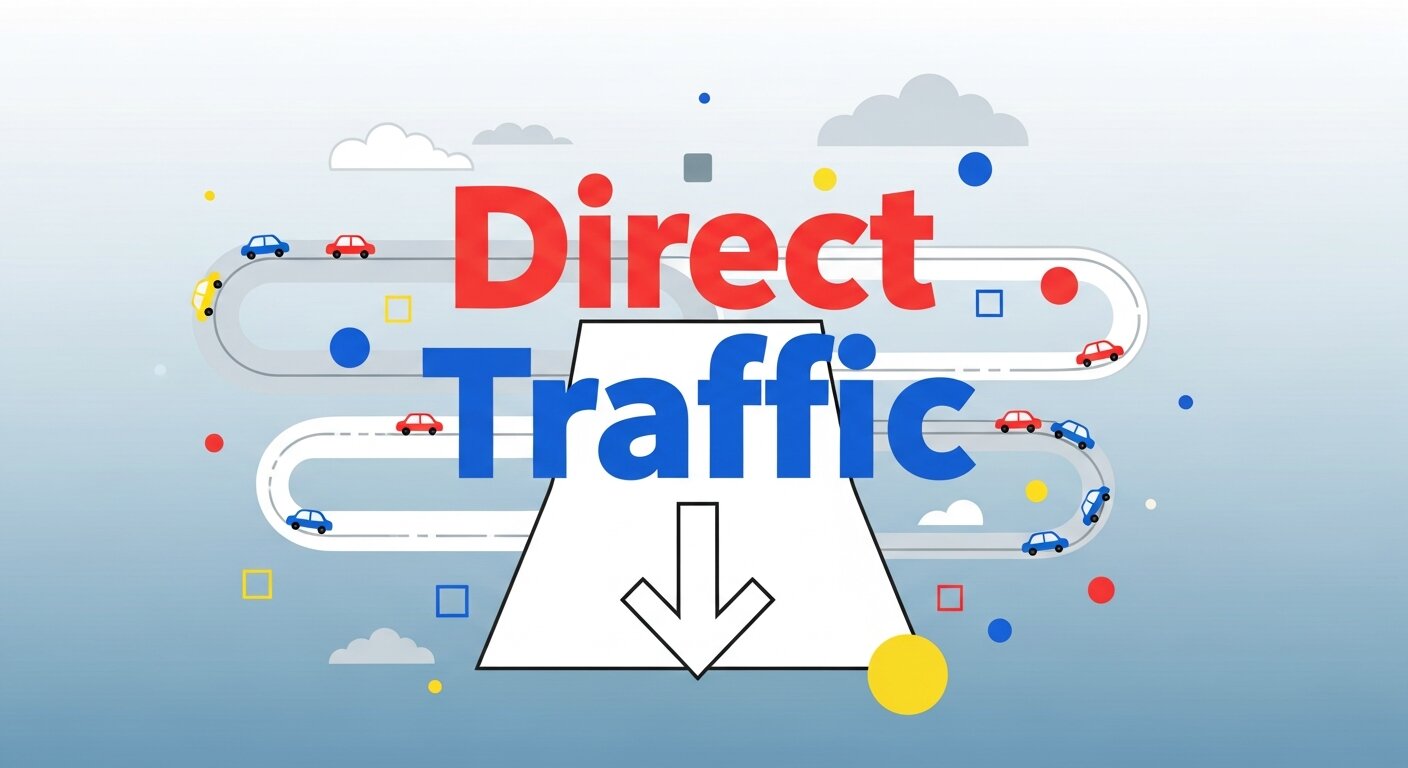
To truly understand direct traffic, it’s important to identify what typically contributes to this category in Google Analytics. Below are the most common causes:
1. Typed URLs
When users manually type your website’s URL into the search bar, Google Analytics cannot assign a referral source. This is the clearest (and most intentional) form of direct traffic.
Example:
A loyal customer types “www.yoursite.com” into their browser to shop your latest discounts.
2. Bookmarks
Visitors who save your site as a browser bookmark and use that shortcut generate direct traffic. This often signals repeat customers or users who frequently engage with your content.
Example:
A user bookmarks your blog on digital marketing hacks and clicks it weekly to read new posts.
3. Untagged Campaigns or Links
If your marketing campaigns, social media posts, or referral links lack proper tagging (with UTM parameters, for example), they can get classified under direct traffic. This is a common culprit for bloated direct traffic numbers.
Example:
A promotional email leads users to your site, but the links within weren’t tagged, so the visits are categorized as direct traffic.
4. Dark Social
Dark social refers to traffic from private or untrackable sharing on platforms like messaging apps (WhatsApp, Slack) or private social feeds instead of public-facing platforms. Since it can’t be tracked by analytics tools, it often falls under direct traffic.
Example:
A user shares your blog link via a WhatsApp group, and their friends visit your site through that link.
5. Broken or Missing Tracking
Sometimes, “direct traffic” stems from technical issues, such as missing tracking codes on certain pages, outdated analytics tags, or broken links.
Example:
Analytics tracking isn’t set up for your website’s landing pages, so any visits to those pages default to direct traffic.
Tips for Analyzing Direct Traffic
Given the diverse causes of direct traffic, analyzing it well can help you uncover meaningful insights and improve measurement accuracy. Here’s how to get started:
1. Segment Your Data
Use segmentation in Google Analytics to break down direct traffic by factors like geography, device type, or landing pages. This will help you identify patterns, such as whether certain pages are overrepresented in direct traffic.
2. Monitor Landing Pages
Identify the entry pages where direct traffic lands. If specific campaign pages or landing pages are receiving high amounts of direct traffic, it may be a sign of untagged links.
3. Cross-Check Referral Sources
Compare referral reports with direct traffic to look for gaps. For example, if you launched a social media promotion and see a spike in direct traffic instead of social referrals, it may indicate missing UTM tags.
4. Leverage Campaign Tagging Tools
Use Google’s Campaign URL Builder to ensure all promotional links are tagged with proper UTM parameters. This reduces the margin for error where untagged links inflate direct traffic.
How to Reduce “False” Direct Traffic
A large portion of direct traffic often includes misclassified visits. While it’s impossible to eliminate this entirely, you can take steps to reduce inaccuracies and make your analytics more reliable.
1. Tag Campaign URLs
Ensure all marketing links—including in emails, social posts, and display ads—are tagged with UTM parameters. These tags specify the source, medium, campaign, and other details, ensuring proper categorization.
2. Audit Your Website
Regularly audit your website to ensure all pages have up-to-date Google Analytics tracking codes. Any missing tags could lead to visits being misclassified under direct traffic.
3. Update Internal Links
If you link internally within your website, faulty or incomplete tracking setups could contribute to misclassified sessions. Make sure all your internal links are working correctly.
4. Analyze “Dark Social” Impact
Dark social may inflate direct traffic, but its impact can be monitored by tracking shares from specific platforms. Tools like Bitly can help measure link activity even on private channels.
5. Create Correct Redirects
Ensure any 301 redirects on your site carry over tracking parameters. Redirects that strip UTMs from campaign URLs can contribute to tracking errors.
Enhancing Insights Through User Behavior
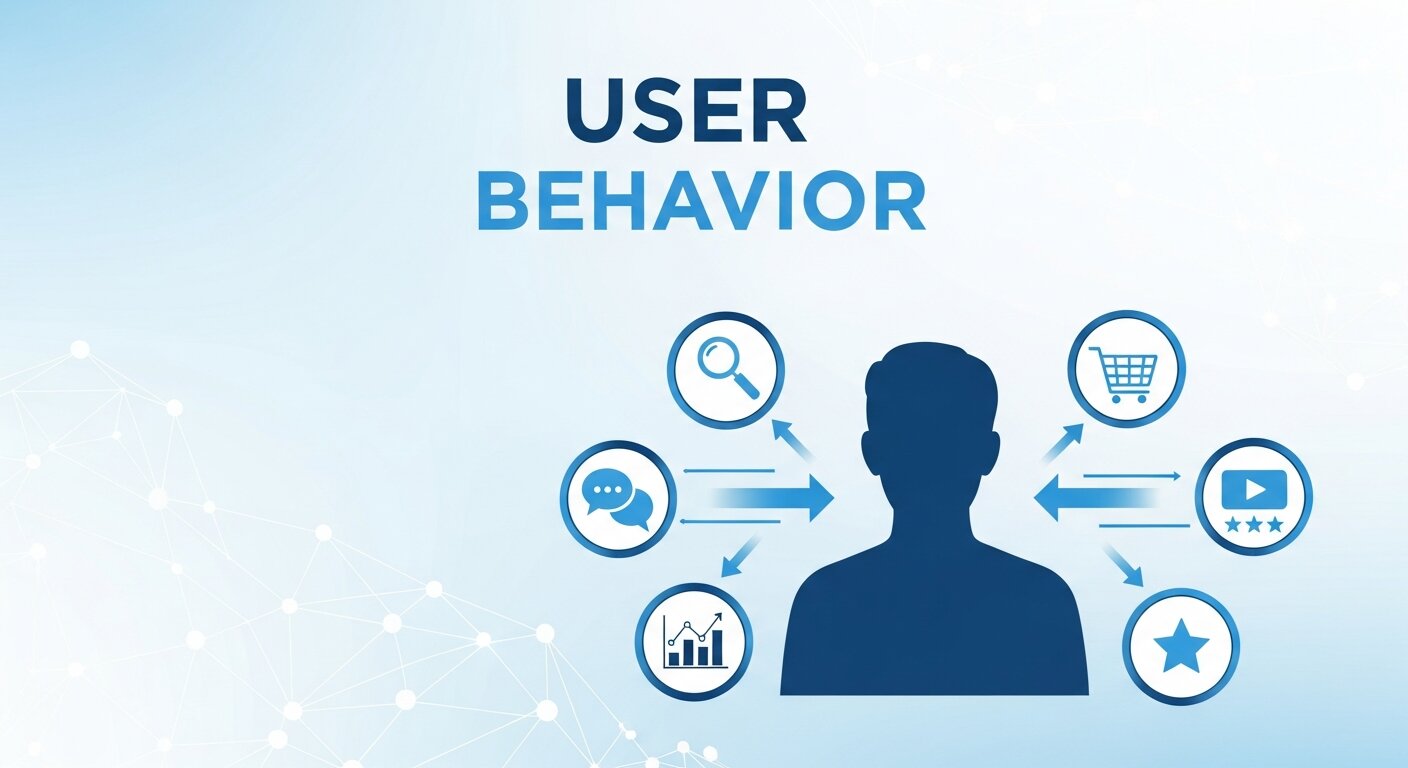
Understanding how visitors interact with your website allows you to make more informed marketing decisions. By tracking click patterns, time spent on pages, and exit points, you can identify which content resonates most with your audience. Integrating tools like customer data platforms can centralize visitor information, making it easier to analyze trends across multiple channels. This approach helps uncover opportunities to improve user experience, optimize campaigns, and increase conversions. When analyzing direct traffic, combining behavioral insights with analytics data ensures you don’t misinterpret accidental visits as intentional ones. Over time, this detailed perspective enables a smarter, data-driven strategy for reaching both new and returning visitors.
Leveraging Historical Data for Better Decisions
Historical traffic data provides valuable context for interpreting direct traffic patterns. By comparing trends over time, you can spot anomalies or seasonal behaviors that may explain sudden spikes in direct visits. Cross-referencing this with other analytics metrics, such as referral or paid campaigns, helps separate true brand-driven traffic from misclassified sources. Using structured data analysis techniques, marketers can identify recurring patterns and make strategic adjustments to campaigns or content strategies. Over time, this enables better forecasting and resource allocation. Additionally, learning to integrate multiple data points during analysis reduces the likelihood of overestimating the value of ambiguous direct traffic.
Improving Campaign Accuracy
Accurate tracking ensures your marketing campaigns are measured correctly and avoid inflating direct traffic numbers. Untagged or improperly configured campaign links can lead to misattribution, making it appear that users are returning independently when they are not. By implementing rigorous tagging protocols and auditing links regularly, marketers can prevent errors in reporting. Combining these efforts with data analysis bootcamp techniques, such as segmenting audiences and analyzing conversion funnels, helps you understand which campaigns actually drive engagement. Regular reviews of campaign performance ensure your marketing efforts are efficient, data-driven, and correctly attributed, ultimately improving ROI while reducing the misleading influence of misclassified direct traffic.
Optimizing Landing Pages
Landing pages are critical for capturing and converting visitors. Analyzing how direct traffic interacts with these pages can reveal issues in content, design, or call-to-action effectiveness. Poorly optimized pages may cause users to bounce or fail to complete conversions, skewing traffic metrics. Using data analysis techniques, you can assess which pages generate genuine engagement versus accidental visits. Testing elements like headlines, forms, and navigation ensures the user experience aligns with campaign objectives. Additionally, tracking performance across devices and geographies provides a complete view of audience behavior. Well-optimized landing pages not only improve conversions but also reduce misclassified direct traffic by encouraging measurable interactions.
Training Teams for Better Data Interpretation
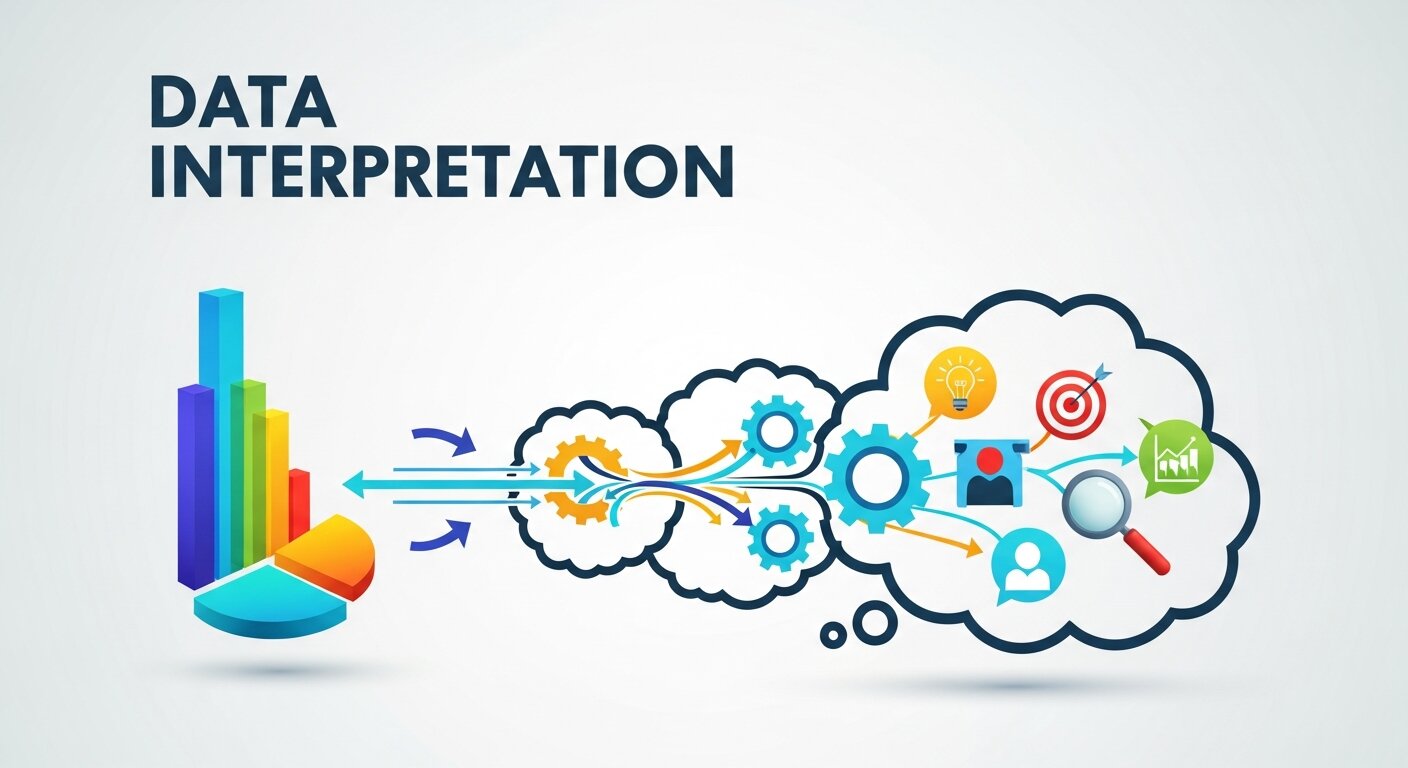
Teams that understand analytics and traffic attribution are better equipped to act on insights. Structured programs like data analysis bootcamp sessions teach employees how to interpret metrics, identify anomalies, and make evidence-based decisions. This knowledge helps reduce mistakes, such as misinterpreting direct traffic spikes or ignoring patterns caused by dark social shares. Employees learn to combine multiple data sources, including customer data platforms and traditional web analytics, to gain a holistic understanding of user behavior. Well-trained teams can optimize campaigns, improve content, and ensure reporting accuracy. Investing in analytical skills empowers teams to turn ambiguous traffic into actionable strategies for growth.
Make Direct Traffic Work for You
Direct traffic is so much more than a metric in Google Analytics. It is a window into the state of play of how engaged your audience is with your brand. Knowing the ways data can be compromised and adopting tactics to help reduce its inaccuracy, you can transform direct traffic information into valuable insights to better focus your marketing campaigns.
Now, apply the above tips to start to dive into your analytics and figure out sources to improve upon and make your reporting more accurate. Good tracking allows you to make decisions based on data that improves your customer experience and, by extension, your growth.
Do you want to unveil the mystery of your direct traffic? Get tagging your links today and see how your analytics begin to develop!
Frequently Asked Questions (FAQ) About Direct Traffic
1. What exactly is direct traffic in Google Analytics?
Direct traffic represents visits to your website where the source cannot be determined. This includes users typing your URL directly into their browser, clicking bookmarks, or accessing links from untraceable sources. Essentially, it’s any visit Google Analytics cannot attribute to a known referral, campaign, or search.
2. Why does direct traffic appear so high sometimes?
High direct traffic can result from misclassified visits. Common causes include untagged marketing links, broken tracking codes, or “dark social” sharing through messaging apps. It doesn’t always indicate intentional visits, so analyzing patterns is key.
3. How can I reduce false direct traffic?
Use UTM parameters for all marketing campaigns, audit your website’s analytics tracking codes, fix broken internal links, and ensure redirects preserve tracking data. Monitoring these steps minimizes misclassification.
4. Can direct traffic indicate brand strength?
Yes. Genuine direct traffic—users typing your URL or using bookmarks—can reflect strong brand recognition and customer loyalty. Repeat visits often signal trust in your website and content.
5. How do I analyze direct traffic effectively?
Segment your data by landing pages, devices, or geography, cross-check referral sources, and compare traffic trends over time. Understanding the source and behavior of visitors helps you improve marketing strategy and reporting accuracy.
6. Is direct traffic always a problem?
No. While some direct traffic may be misclassified, genuine direct visits provide valuable insight into audience engagement. Differentiating between true and false direct traffic helps optimize your campaigns.
7. What tools can help track dark social traffic?
Tools like Bitly, UTM-tagged links, or social media analytics can help monitor traffic from private messaging platforms and untraceable shares, reducing the portion misclassified as direct traffic.
8. Should I prioritize fixing direct traffic issues?
Yes. Accurate tracking ensures better campaign insights, ROI measurement, and informed marketing decisions. Reducing false direct traffic gives you confidence in your analytics data.
9. Can internal links affect direct traffic?
Absolutely. Missing or broken tracking codes on internal links can cause visits to be recorded as direct traffic. Regular audits help maintain accurate attribution.
10. How long does it take to clean up direct traffic data?
Implementing tagging, auditing, and link corrections can show improvements in a few weeks. However, consistently maintaining best practices ensures long-term accuracy and more reliable insights.