Understanding how visitors interact with your website is crucial for improving its performance and achieving your business goals. That’s where web analytics comes in. By tracking, analyzing, and interpreting website metrics, web analytics provides actionable insights to help you grow your online presence.
If you’ve been curious about how tools like Google Analytics work or want to know how to use website data to enhance your results, this guide will walk you through everything you need to know.
What Is Web Analytics
At its core, web analytics refers to the collection and analysis of data regarding website traffic and user behavior. The goal is to understand how visitors interact with a site and to use that information to optimize key aspects, including design, content, and overall functionality.
Web analytics allows businesses to answer fundamental questions about their audience, such as:
- How are users finding your website?
- Which pages are they visiting the most?
- How long do users spend on your site?
Investing in web analytics helps you make data-driven decisions, maximize ROI from your online efforts, and improve user satisfaction over time. To fully grasp your site’s performance, it’s helpful to start with the basics—like what descriptive analytics is and why it matters
Why Does Web Analytics Matter?
Without web analytics, you’re effectively running your website blindfolded. It’s not enough to simply have a website; knowing what’s working (and what isn’t) enables you to refine your approach. Here’s why web analytics is so important:
- Identify Strengths and Weaknesses: Understand what parts of your site perform well and where users drop off.
- Increase Conversions: See what actions users take before making a purchase or signing up so you can fine-tune the buyer’s journey.
- Save Time and Resources: Focus your efforts on initiatives that move the needle instead of guessing.
- Better Audience Understanding: Learn who’s visiting your website, including demographics, geographical location, and interests.
Key Metrics in Web Analytics
To make sense of your website data, it’s essential to understand the key metrics that web analytics tools track. Here’s a breakdown of the most important ones:
Pageviews
A pageview is counted every time someone loads a page on your website. While it’s one of the simplest metrics, it helps showcase how much traffic your site is getting overall.
Example: If your homepage receives 10,000 pageviews per month, it’s performing well in attracting visitors.
Bounce Rate
The bounce rate shows the percentage of visitors who leave your site after viewing just one page. A high bounce rate often indicates that users aren’t finding what they’re looking for.
Pro Tip: Optimize your landing pages and CTAs to make them more engaging and relevant.
Conversion Rate
Your conversion rate is the percentage of visitors who complete a desired action, such as signing up for a newsletter, downloading a guide, or making a purchase.
Example: If 500 people make a purchase out of 10,000 site visitors, your conversion rate is 5%.
Average Session Duration
This metric measures how long users stay on your site during a single visit. Longer times often indicate higher engagement.
Traffic Sources
Understanding where your visitors come from (e.g., search engines, social media, direct traffic) helps you focus on the best-performing channels.
Essential Tools for Web Analytics
Now that we’ve covered the basics, it’s time to explore the tools that make web analytics accessible. Here are some of the most popular platforms:
Google Analytics
Google Analytics (GA) is the gold standard of web analytics tools. It’s free, user-friendly, and packed with features, including traffic reports, goal tracking, and real-time data. GA gives you deep insights into user behavior that can inform website strategies.
Adobe Analytics
Adobe Analytics is a robust enterprise-level tool designed for analyzing large data sets and providing advanced segmentation options. It’s ideal for companies that require detailed insights and custom reporting capabilities.
Other Tools
- Hotjar: Great for heatmaps and understanding user behavior visually.
- Mixpanel: Excellent for tracking specific user events like button clicks.
- Matomo: A privacy-focused alternative to Google Analytics that gives you full control over your data.
Advanced Data Interpretation Techniques

Understanding your website data goes beyond basic metrics. Advanced interpretation techniques allow businesses to predict trends, identify anomalies, and uncover hidden opportunities. For example, analyzing past user behavior can help anticipate future actions, enabling you to create highly targeted marketing campaigns. By integrating prescriptive analytics into your reporting, you can determine the best course of action based on insights rather than guesswork. Additionally, combining this with real-time monitoring tools ensures that strategies can be adapted quickly, improving responsiveness to traffic changes. These approaches enhance decision-making, optimize resource allocation, and ultimately increase conversions by providing actionable recommendations tailored to your audience’s behavior and preferences.
Leveraging Predictive Models

Predictive modeling uses historical data to forecast future user behavior, such as potential purchases or churn likelihood. By applying predictive analytics, businesses can anticipate traffic patterns, personalize content, and target users with offers most likely to convert. For instance, an eCommerce website can predict which products a returning visitor may be interested in based on past browsing and purchase behavior. Predictive techniques also help allocate marketing budgets efficiently, focusing efforts on high-probability conversions. Over time, as the models learn from new interactions, predictions become increasingly accurate, allowing for proactive adjustments in campaigns, product recommendations, and customer engagement strategies that drive measurable improvements in revenue and loyalty.
Enhancing Content with User Insights
User behavior data can guide the creation of highly relevant content. By analyzing metrics like session duration, pageviews, and engagement rates, businesses can identify what resonates with their audience. Text analytics can also be employed to extract meaningful patterns from user-generated content, comments, or reviews, helping to understand sentiment and preferences. This information enables marketers to tailor blog posts, social media content, and email campaigns to meet audience expectations. In addition, insights from user interactions can reveal content gaps, highlight trending topics, and support SEO optimization. Leveraging these insights ensures your content strategy aligns with actual user behavior, fostering engagement, trust, and long-term retention.
Improving Customer Experience

Website analytics plays a crucial role in enhancing the overall customer experience. Metrics such as bounce rates, page load times, and navigation paths reveal where users encounter friction. By applying prescriptive analytics, businesses can take actionable steps to improve usability, from streamlining menus to simplifying checkout processes. Additionally, understanding which content and features users engage with most allows for better personalization. A smooth, responsive, and relevant experience encourages longer sessions, higher conversions, and increased brand loyalty. Continuous monitoring ensures that improvements are data-driven and measurable, helping businesses maintain a competitive edge while meeting evolving user expectations in a digital-first landscape.
Optimizing Marketing Campaigns
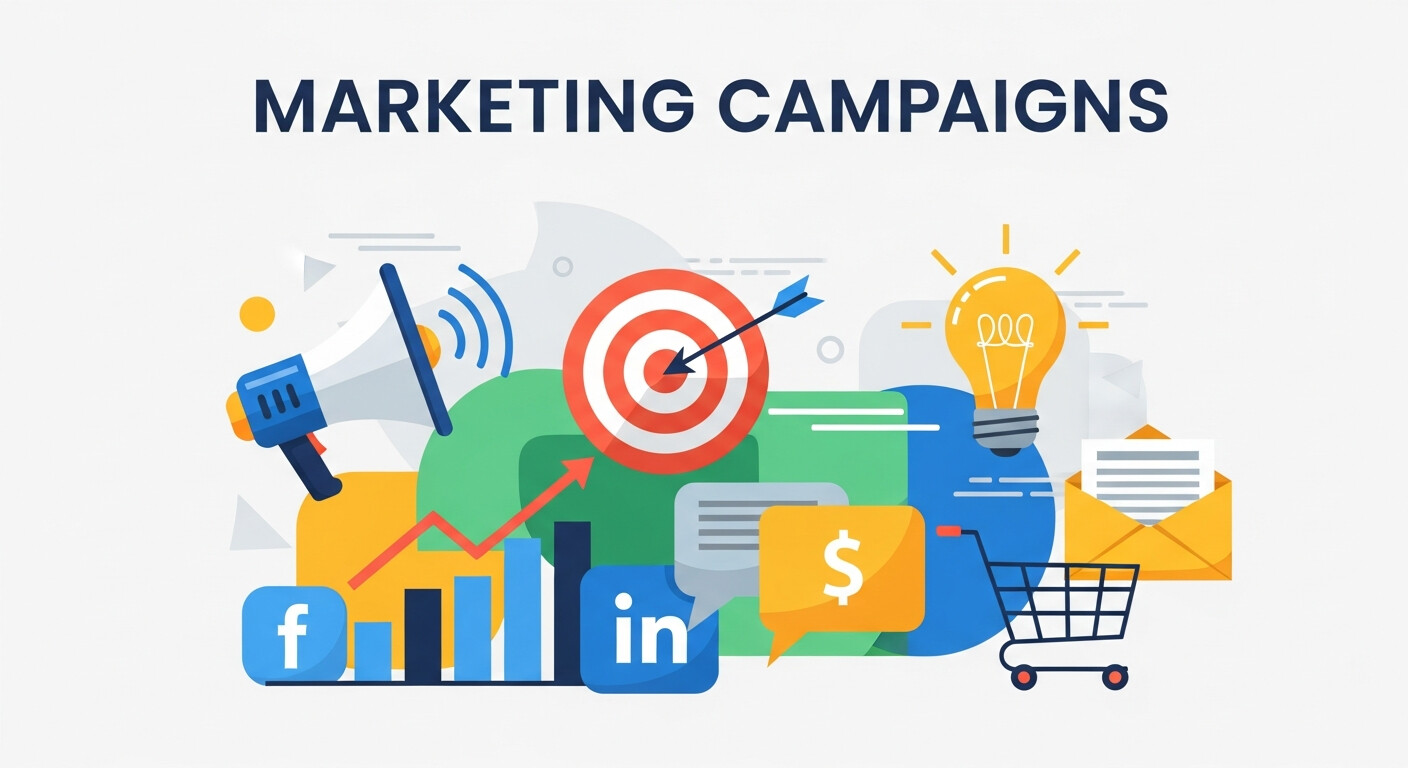
Web analytics provides the foundation for marketing optimization. By tracking the performance of campaigns across channels, businesses can identify which tactics generate the highest ROI. Predictive analytics enhances this process by forecasting campaign outcomes based on historical trends, allowing marketers to adjust strategies proactively. For example, predicting which email subject lines or social media posts are likely to drive engagement can save resources and increase conversions. Additionally, integrating insights from user demographics, device usage, and traffic sources enables highly targeted campaigns. This approach not only reduces wasted spend but also ensures campaigns are continuously refined based on data-driven insights, improving overall effectiveness and audience reach.
Real-Time Performance Monitoring
Monitoring website performance in real time allows businesses to react swiftly to issues or opportunities. Metrics such as active users, click paths, and conversion rates provide immediate insight into user behavior. Tools can integrate predictive analytics to alert marketers when traffic patterns deviate from expected norms, such as sudden drops in engagement or spikes in activity. Real-time dashboards also help teams identify technical issues, like slow-loading pages, before they affect a broader audience. By combining instant monitoring with historical trends, businesses can make proactive adjustments, optimize campaigns on the fly, and maintain consistent performance while maximizing user satisfaction and revenue potential.
Measuring ROI Effectively
Understanding the return on investment from website initiatives is essential for decision-making. Analytics allows businesses to connect conversions, revenue, and engagement directly to marketing efforts. Text analytics can enhance this process by examining user feedback and online discussions, providing qualitative insights alongside quantitative metrics. Combining these insights with predictive models enables forecasting of future ROI for campaigns, helping allocate resources more efficiently. Measuring ROI also supports continuous improvement, allowing teams to invest in high-performing strategies while identifying underperforming tactics for refinement. With clear metrics and actionable insights, businesses can maximize profitability, justify budgets, and demonstrate the impact of digital initiatives effectively.
How to Use Web Analytics to Improve Your Website
Understanding your website metrics is only the first step. The real value lies in using that data to make tangible improvements. Here’s how you can apply web analytics to enhance your site performance:
Improve User Experience
Use heatmaps and session recordings to identify areas where users get stuck or frustrated. For instance, if a FAQ page consistently performs poorly in terms of bounce rate, consider making its content more user-focused.
Optimize Landing Pages
Landing pages are often the first touchpoint for visitors. Look at metrics like bounce rates and session durations to refine your value propositions, headlines, or imagery.
Enhance Content Strategy
Analyze which blog posts or topics drive the most engagement and double down on creating similar content. For example, if a post about “best SEO practices” brings in significant traffic, create more posts around related topics like “SEO tools” or “SEO for beginners.”
Refine Marketing Campaigns
Track how campaigns perform by measuring traffic sources and conversions. If social media consistently outperforms paid ads, consider allocating more budget to your social channels.
Advanced Web Analytics Techniques
For those looking to take web analytics to the next level, here are some advanced strategies to consider:
A/B Testing
A/B testing involves comparing two versions of a webpage or element (like a CTA button) to see which performs better. Experimenting with headlines, visuals, or layouts can significantly impact conversion rates.
User Segmentation
Segment users based on their behavior, demographics, or how they found your website. This allows you to tailor experiences and market to specific audience groups more effectively.
Example: Offer targeted discounts to users coming from email campaigns or those who’ve visited your site multiple times without converting.
Predictive Analytics
Leverage predictive analytics to anticipate user behavior and optimize your website accordingly. Tools like machine learning algorithms analyze past data to offer actionable predictions.
The Future of Web Analytics
Web analytics is evolving rapidly. With privacy concerns on the rise, tools like Google Analytics are adopting cookieless tracking approaches to respect user data. AI-driven insights are also becoming increasingly popular, allowing businesses to forecast trends and make smarter decisions.
For businesses, staying up-to-date with advancements in web analytics is no longer optional. It’s the key to staying competitive in a digital-first world.
Frequently Asked Questions (FAQ)
What is web analytics used for?
Web analytics is used to track, measure, and analyze how users interact with a website. It helps businesses understand visitor behavior, identify high-performing pages, uncover issues affecting user experience, and make data-driven decisions to improve traffic, engagement, and conversions.
Is web analytics only useful for large businesses?
No. Web analytics is valuable for businesses of all sizes. Small websites can use analytics to understand audience behavior and improve content, while larger organizations rely on advanced analytics to optimize campaigns, user journeys, and ROI at scale.
What is the difference between web analytics and digital analytics?
Web analytics focuses specifically on website data such as traffic, pageviews, and user behavior on a site. Digital analytics is broader and includes data from multiple digital touchpoints, such as mobile apps, email campaigns, social media platforms, and paid advertising channels.
How often should web analytics data be reviewed?
Ideally, key metrics should be reviewed weekly to monitor trends and catch issues early. Monthly reviews are useful for deeper analysis, performance comparisons, and strategic planning. Real-time monitoring is beneficial during campaigns or major website updates.
Do I need technical knowledge to use web analytics tools?
Basic web analytics tools like Google Analytics are designed for beginners and do not require advanced technical skills. However, understanding advanced features such as event tracking, segmentation, or custom reports may require additional learning or expert support.
How does web analytics help improve conversions?
Web analytics identifies where users drop off in the conversion funnel, which pages perform best, and what actions users take before converting. This insight allows businesses to optimize landing pages, calls to action, and user flows to increase conversion rates.
Are web analytics tools compliant with privacy regulations?
Most modern web analytics platforms offer features to support compliance with regulations like GDPR and CCPA. This includes data anonymization, consent management, and cookieless tracking options. Businesses should still ensure proper implementation and transparency with users.