In digital marketing, the data is everything. Knowing where your website traffic derives from and how people interact with your brand determines the rule, or exception, to your strategy. But what about social media? Does Google Analytics, the de facto marketing analytics tool, play well with social media? The short answer is yes, and done right, the results can be mind-blowing for marketers, social media managers and business owners everywhere.
This post will help to explain the relationship between Google Analytics and the social networks. We’re going to discuss the basics of what it is, how it integrates, the advantages it offers, and advice on setting it up. You’ll also find actual businesses that used Google Analytics to improve their social media campaigns.
Understanding Google Analytics
What Is Google Analytics?
Google Analytics is a freemium web analytics service offered by Google that tracks and reports website traffic. It helps companies to know via how users found and are using their website. Whether it’s tracking the effectiveness of your SEO tactics or comparing your marketing campaigns, or understanding how your audience interacts with your content, Google Analytics will provide you with a data-backed roadmap.
How Does It Work?
Using a snippet of tracking code embedded in your website, Google Analytics captures various data points, including:
- User behavior (pages they visit, time spent on your site, bounce rates).
- Traffic sources (organic, direct, referral, or social).
- Audience information (location, device, browser, etc.).
- Goals and conversions (completed actions such as form submissions or purchases).
But what about traffic from social media platforms like Facebook, Instagram, LinkedIn, and TikTok? That’s where integration comes in.
Social Media Integration with Google Analytics
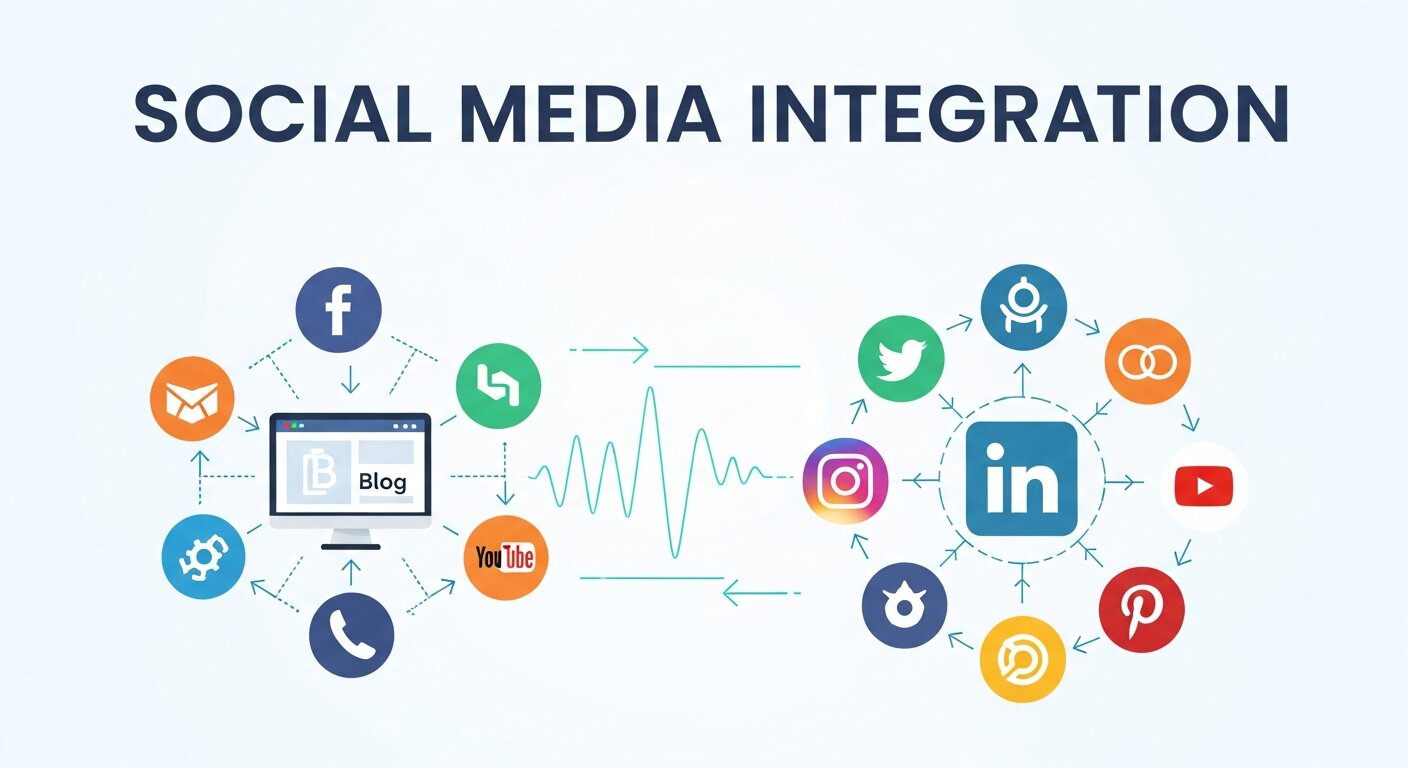
Social media has become an integral part of digital marketing strategies. By integrating Google Analytics with social media platforms, you can track how much traffic your posts, ads, or campaigns are driving to your website. Here’s how these two powerful tools work together:
1. Traffic Referral Tracking
Google Analytics automatically identifies social media as a traffic source. You can view which platforms drive the most visitors under the Acquisition → Social section. Whether it’s Instagram Stories or a LinkedIn post, you’ll see how users are arriving at your site.
2. UTM Parameters
Using UTM (Urchin Tracking Module) parameters is one of the most effective ways to connect social media campaigns to Google Analytics. By adding custom tags to the URLs you share on social platforms, you can drill down into data like:
- Which campaign brought in the most traffic.
- The exact medium (e.g., Instagram Ad, Facebook post).
- Specific content elements (e.g., “SpringSaleCTA” or “DiscountBanner”).
3. Custom Campaigns
Google Analytics allows you to create custom campaigns tied to specific links shared on social media. For example, if you’re running an Instagram Ad promoting your new product, creating a campaign can help you analyze its effectiveness in detail.
4. Social Plugins & Buttons
If your website uses social share buttons, Google Analytics can track user interactions such as likes, shares, or clicks on these buttons, giving you a full picture of how your content performs.
Benefits of Using Google Analytics with Social Media
By integrating Google Analytics with your social media strategy, the data can help you optimize and scale your efforts in significant ways. Here are some key benefits:
1. Track ROI of Social Media Campaigns
Social media can be a major investment in time and money. Google Analytics allows you to track how much revenue or conversions each platform contributes so you can measure ROI accurately.
2. Understand Audience Behavior
Want to know what happens after someone clicks your Instagram ad? With tools like flow visualization, Google Analytics can track the customer’s user journey and help you understand drop-off points.
3. Optimize Content Strategy
By monitoring social traffic trends and engagement metrics, you can determine what type of content resonates most with your audience. Replicate successful posts and refine underperforming ones.
4. Improve Ad Targeting
Combining detailed demographic and behavioral data from Google Analytics with the targeting features of social media platforms can result in highly effective ad campaigns.
5. Simplify Reporting
No more switching between platforms to consolidate data. With Google Analytics, all your key metrics, including social traffic, conversions, and overall performance, are in one place.
Setting Up Tracking for Social Media Traffic
Now that you know the potential, here’s how to set up Google Analytics to track your social media performance effectively.
Step 1: Use UTM Parameters
- Visit Google’s Campaign URL Builder.
- Create custom parameters for your social links (e.g., source=Instagram, medium=cpc).
- Attach the resulting URL to your social media posts or ads.
Step 2: Enable Social Reports in Google Analytics
- Navigate to Acquisition → Social to access reports such as Network Referrals, Landing Pages, and Conversions.
Step 3: Set Up Goals
- Go to Admin → Goals in Google Analytics.
- Define conversion actions such as purchases, form submissions, or newsletter signups to track key metrics.
Step 4: Use Google Tag Manager
Setting up a Google Tag Manager account simplifies tracking. You can dynamically track actions across your website, from social share buttons to banner clicks.
Step 5: Monitor and Adjust
Regularly visit your social media reports in Google Analytics to monitor performance and adjust your campaigns accordingly.
Real-World Case Studies
Case Study 1: E-Commerce Brand Boosts Sales
A small online fashion retailer integrated Google Analytics with Instagram and Facebook marketing campaigns. Using UTM parameters, they discovered Instagram Stories were driving 60% of their social traffic and generating three times the amount of checkout conversions compared to Facebook posts. They shifted their ad focus, resulting in a 25% overall sales increase.
Case Study 2: SaaS Company Optimizes Ads
A SaaS company used Google Analytics to track LinkedIn campaigns targeting B2B buyers. Through custom campaigns, they identified that carousel ads outperformed static posts by 40% in website traffic and lead generation. This insight helped them refine their ad content and placement, saving 15% on ad spend.
Understanding the Shift to Event-Based Tracking

Digital measurement has evolved significantly in recent years. Traditional session-based tracking models are being replaced with event-driven frameworks that provide deeper behavioral insights. With the introduction of Google Analytics 4, businesses can track user interactions such as scrolls, video engagement, outbound clicks, and file downloads automatically. This model offers more flexibility and a clearer understanding of cross-device journeys. For social media marketers, this means better attribution and more accurate performance analysis. Instead of relying only on pageviews, you gain visibility into meaningful actions users take after arriving from social platforms, helping you optimize campaigns based on engagement quality rather than traffic volume alone.
Turning Raw Data into Strategic Decisions
Collecting traffic numbers is only the first step; interpreting them correctly is what drives growth. Effective Data Information Analysis allows marketers to identify trends, behavioral patterns, and performance gaps within social campaigns. By comparing bounce rates, conversion paths, and engagement metrics, businesses can uncover why certain platforms outperform others. For example, high traffic with low conversions may indicate mismatched messaging or landing page friction. Structured analysis transforms scattered metrics into actionable insights. When businesses consistently evaluate social performance data, they move from reactive adjustments to proactive strategy development, ensuring marketing budgets are allocated to channels that truly generate impact and long-term value.
Building Analytics Expertise for Marketing Teams
Tools alone do not guarantee success; skilled professionals make the difference. Many marketers enhance their analytical capabilities through programs like the Google Data Analytics Certificate, which builds foundational knowledge in data cleaning, visualization, and interpretation. With stronger analytical literacy, social media managers can confidently interpret dashboards, build meaningful reports, and communicate insights to stakeholders. This knowledge reduces reliance on guesswork and increases strategic clarity. As social media advertising grows more competitive, teams equipped with analytical training can quickly identify performance shifts and respond effectively. Investing in analytics education ultimately strengthens campaign outcomes and improves overall marketing decision-making.
Cross-Platform Attribution and Customer Journeys
Social media rarely operates in isolation. A customer might first discover your brand on Instagram, later search on Google, and finally convert through email marketing. Advanced attribution modeling within analytics platforms helps track these multi-touch journeys. By analyzing assisted conversions and channel interactions, businesses gain a clearer understanding of how social contributes to overall success. This prevents undervaluing platforms that introduce customers at the awareness stage. When attribution insights are applied strategically, marketers can balance branding and direct-response efforts more effectively. Understanding cross-platform journeys ensures that social media receives appropriate credit within the broader digital marketing ecosystem.
Enhancing Conversion Optimization from Social Traffic
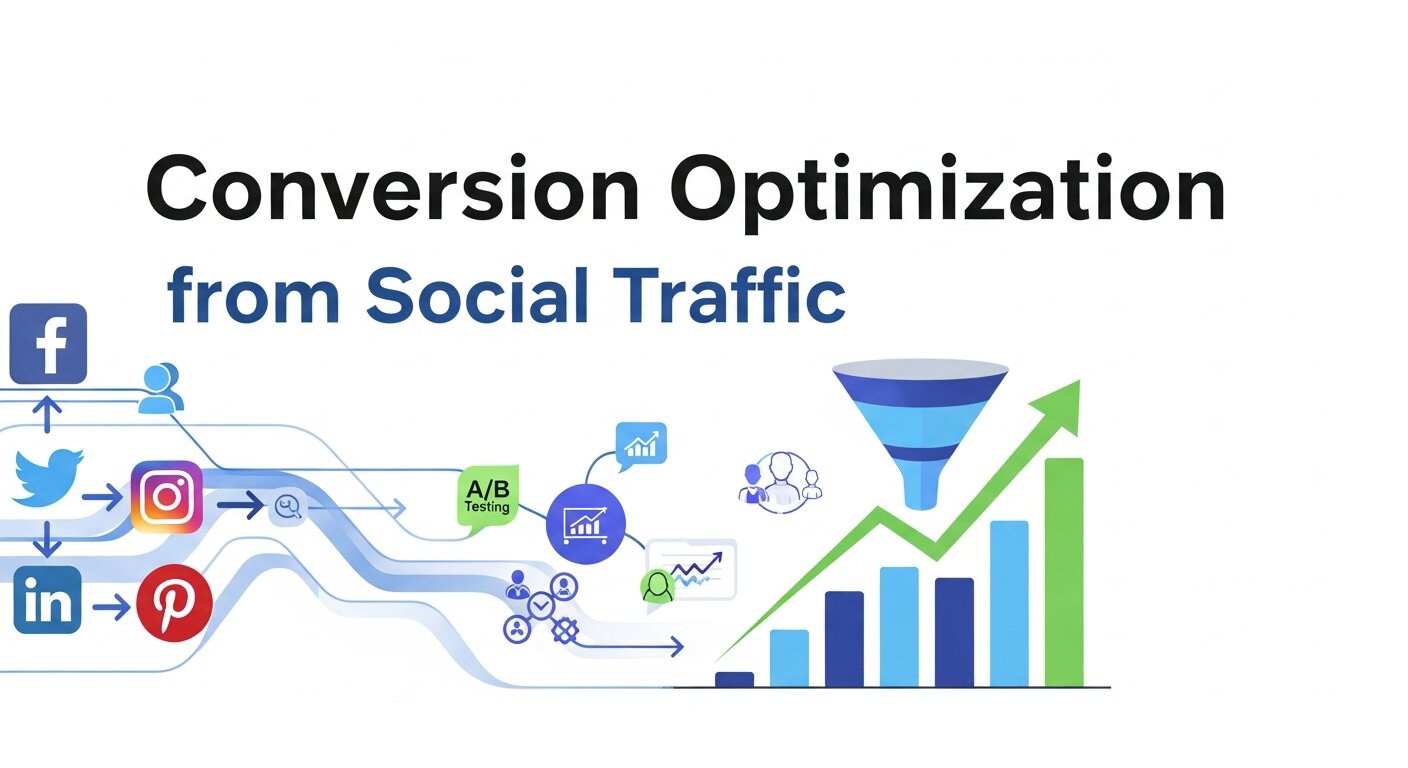
Driving traffic from social media is important, but optimizing what happens after the click is critical. Analytics insights reveal landing page performance, user navigation patterns, and friction points in the conversion process. If visitors from a specific social campaign consistently abandon checkout pages, this signals the need for adjustments in messaging or user experience. Heatmaps, A/B testing, and behavioral flow reports complement analytics data to improve conversion rates. By continuously refining landing pages based on real performance metrics, businesses can maximize the value of every social visitor. Optimization transforms social media from a visibility tool into a measurable revenue driver.
Creating Automated Reporting Dashboards
Manual reporting wastes time and increases the risk of data inconsistencies. By building automated dashboards connected to analytics data, marketers can monitor social performance in real time. These dashboards consolidate traffic sources, campaign metrics, engagement behavior, and conversion outcomes into a single visual interface. Automation reduces repetitive tasks and allows teams to focus on interpretation rather than data collection. Scheduled reports also keep stakeholders informed without constant manual updates. When social performance metrics are visualized clearly and consistently, decision-makers can quickly identify trends, measure ROI, and make informed adjustments that keep marketing strategies aligned with business objectives.
Start Unlocking Insights Today
Using Google Analytics to Converge Your Social Media Tactics Google Analytics + Social Combine Tools Integrating Google Analytics with your social media isn’t just helpful, it is crucial for any major marketer. Tracking, measuring, and optimizing your social campaigns allows you to make better decisions, have a better ROI, and really get a leg up on your competition.
Looking to become a social media analytics expert? Begin to use some of the advice listed in this post and witness how data-driven decisions can change the game for you. You don’t want to put off stepped-up marketing smarts.
Frequently Asked Questions (FAQ)
1. Can Google Analytics track traffic from social media platforms?
Yes. Google Analytics automatically categorizes traffic coming from major social platforms such as Facebook, Instagram, LinkedIn, TikTok, and X (Twitter) under the “Social” acquisition channel. You can see which networks drive the most visitors, how long users stay, and whether they complete conversions. For deeper tracking, you should use UTM parameters to precisely identify campaigns, content types, and paid vs. organic traffic.
2. What are UTM parameters and why are they important?
UTM (Urchin Tracking Module) parameters are small tags added to URLs to track campaign performance. They allow you to identify the traffic source, medium, campaign name, and even specific content variations. Without UTMs, traffic may appear as generic “social” or “referral,” making it harder to measure campaign-level performance accurately.
3. Does Google Analytics track social media engagement (likes, shares, comments)?
Google Analytics does not directly track engagement metrics that happen inside social platforms (likes, shares, comments). Those metrics remain within each platform’s analytics dashboard. However, Google Analytics tracks what happens after users click through to your website—such as bounce rate, session duration, and conversions.
4. How can I measure ROI from social media using Google Analytics?
To measure ROI, you need to set up Goals or conversion tracking (e.g., purchases, sign-ups, downloads). Once configured, Google Analytics can attribute conversions and revenue to specific social platforms or campaigns, helping you determine which channels generate the highest return.
5. Is Google Tag Manager necessary for social tracking?
While not mandatory, Google Tag Manager simplifies tracking implementation. It allows you to manage tracking codes, event triggers, and custom tags without editing your website’s source code repeatedly. This is especially helpful when tracking button clicks, downloads, or specific user interactions from social traffic.
6. Why is my social traffic showing as “Direct” instead of “Social”?
This usually happens when links are shared without UTM parameters or when apps strip referral data. Adding properly structured UTM tags to all social media links ensures accurate source attribution inside Google Analytics.
7. Can I track paid and organic social traffic separately?
Yes. By using distinct UTM parameters (e.g., medium=cpc for paid ads and medium=social for organic posts), you can clearly differentiate paid and organic performance inside your reports.
8. How often should I review social media data in Google Analytics?
For active campaigns, weekly monitoring is recommended. For long-term strategy evaluation, monthly performance reviews help identify trends, audience behavior changes, and opportunities for optimization. Regular analysis ensures your social media efforts remain aligned with business goals.